Consider a scenario where you need to eliminate node(s) from an Oracle Access Manager managed server cluster instance, as a configuration with one fewer node is capable of handling single sign-on requests.
In this blog post, we will guide you through the steps to accomplish this goal.
1. Shutdown Managed Servers on the node to be removed
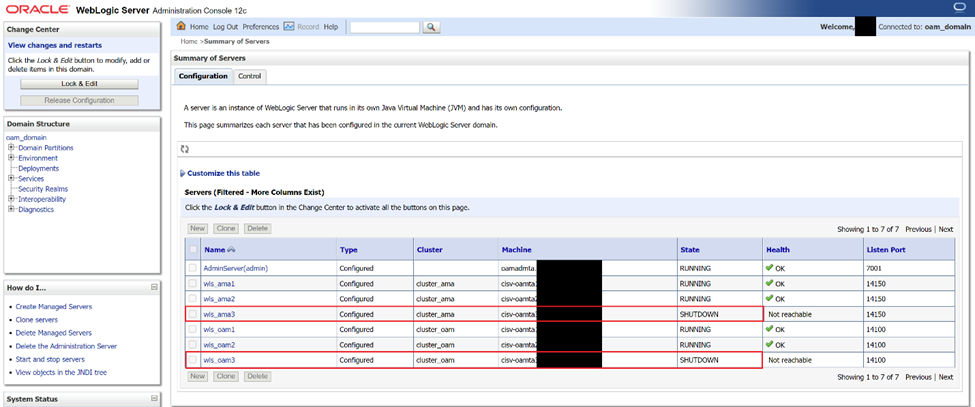
Alternatively, you may shutdown the Managed Servers from backend from $DOMAIN_HOME/bin.
2. Remove server name from OAM WebGate agents
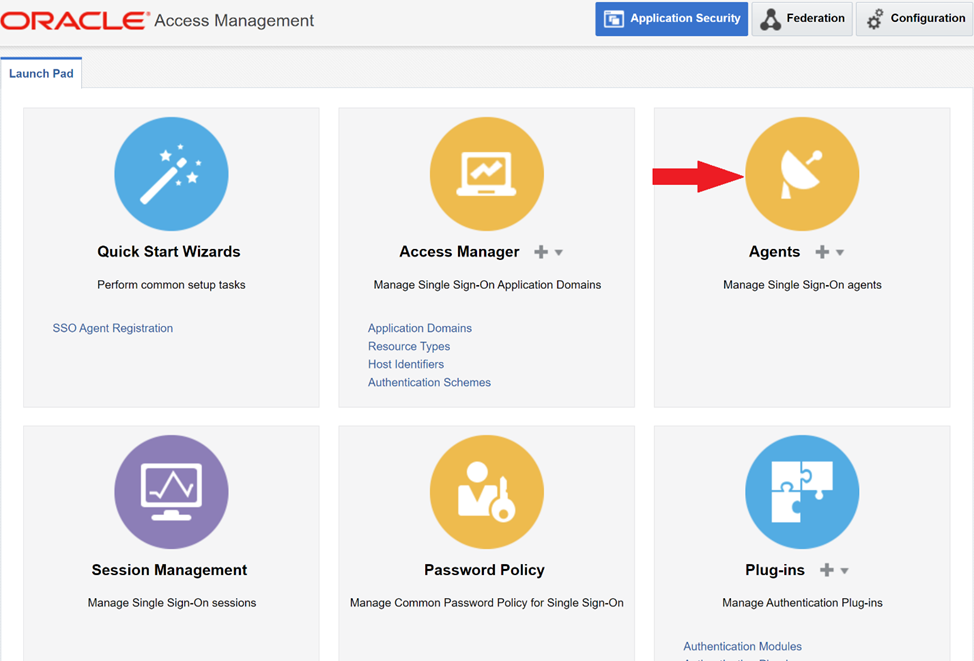
Login to Oracle Access Manager console and navigate to Agents.
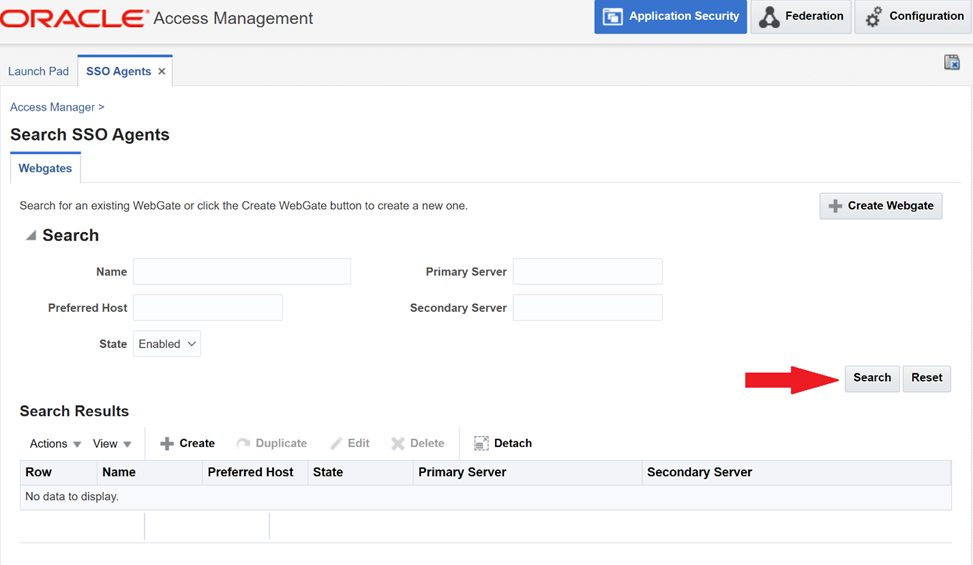
SSO Agents tab -> Search
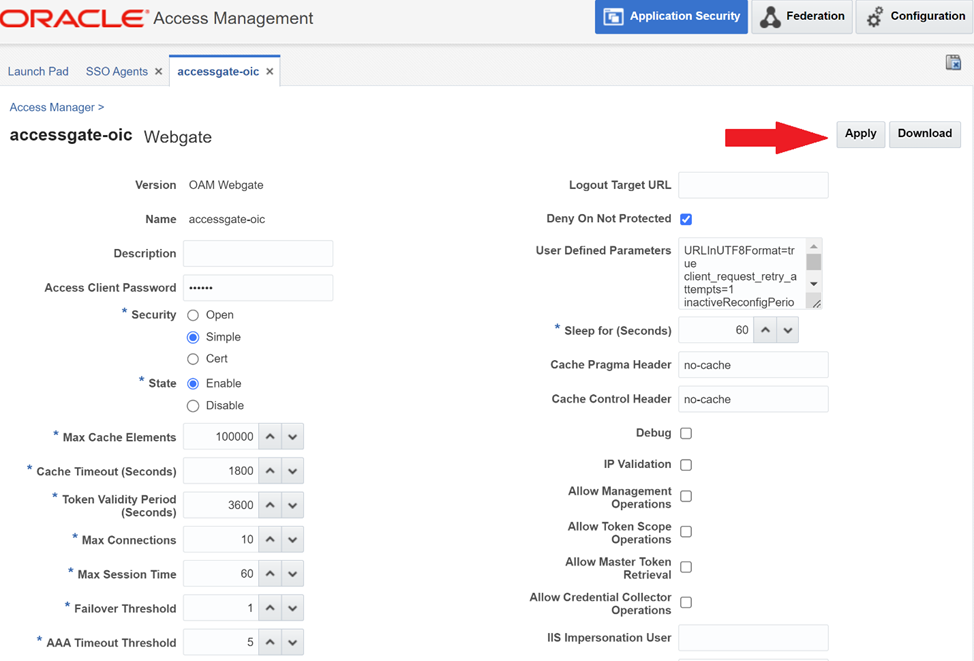
Click on the Agent name -> Delete the managed server from “Primary Server List” of the agent.
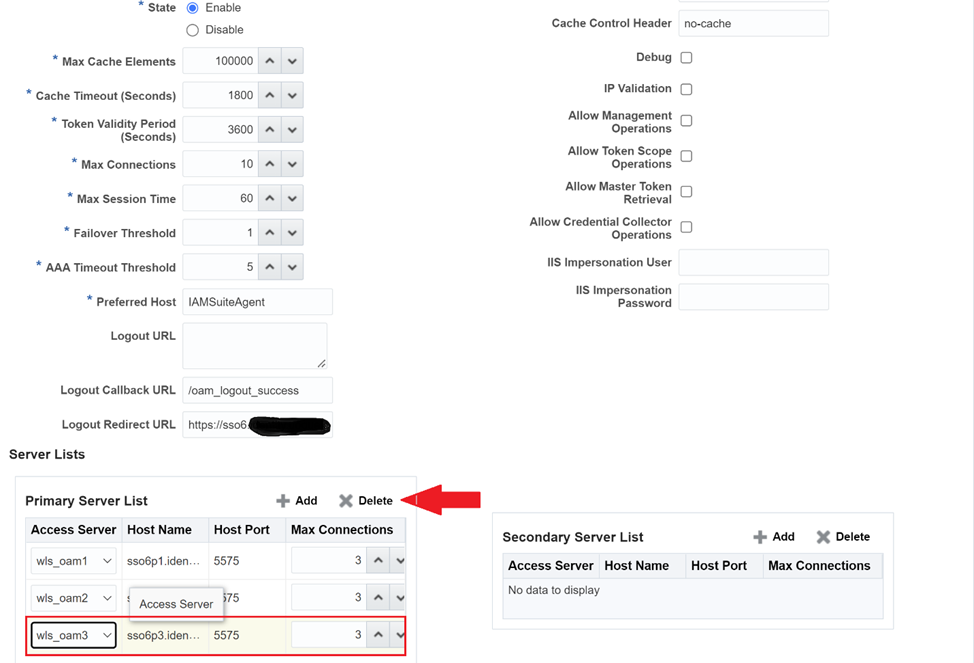
Click “Apply”.
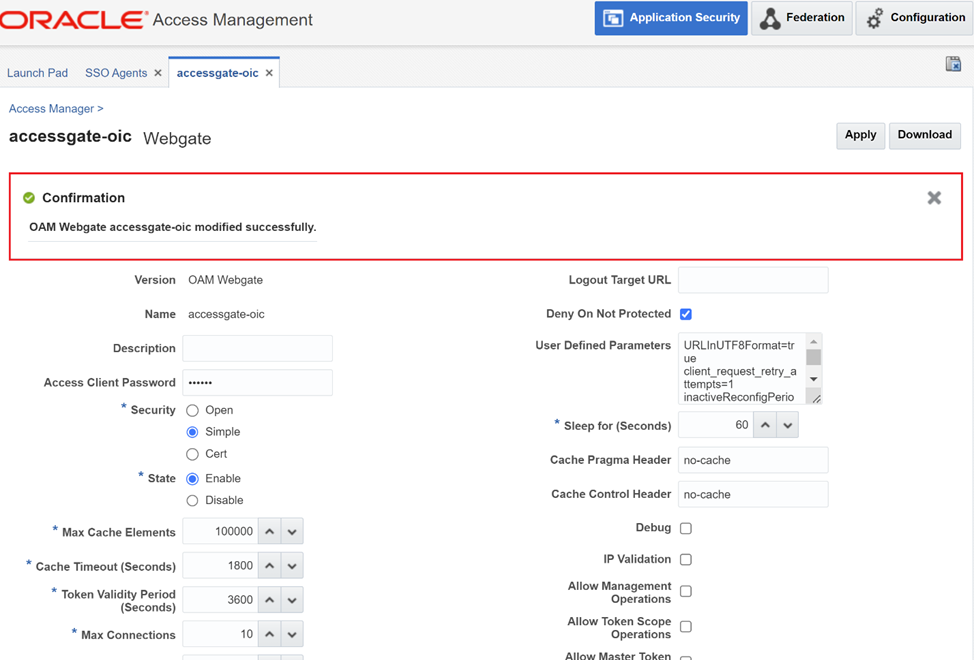
A confirmation message will be displayed.
3. Follow the same steps for any other WebGate agent
4. Remove OAM managed server from OAM console
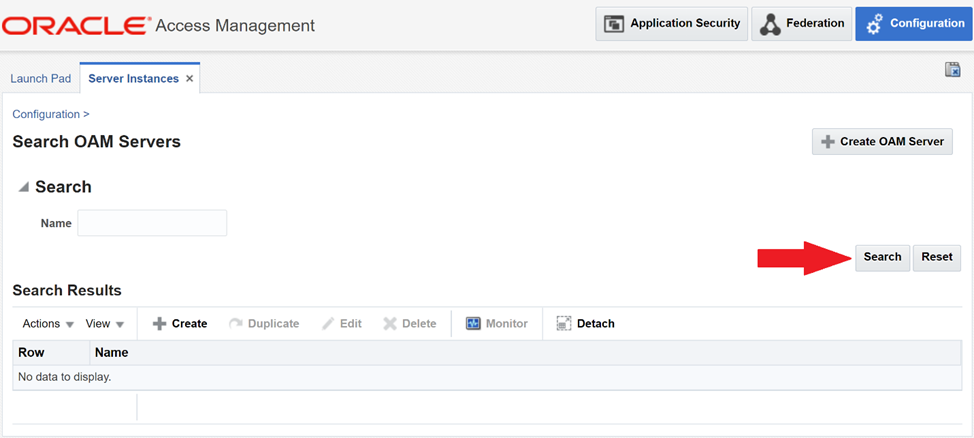
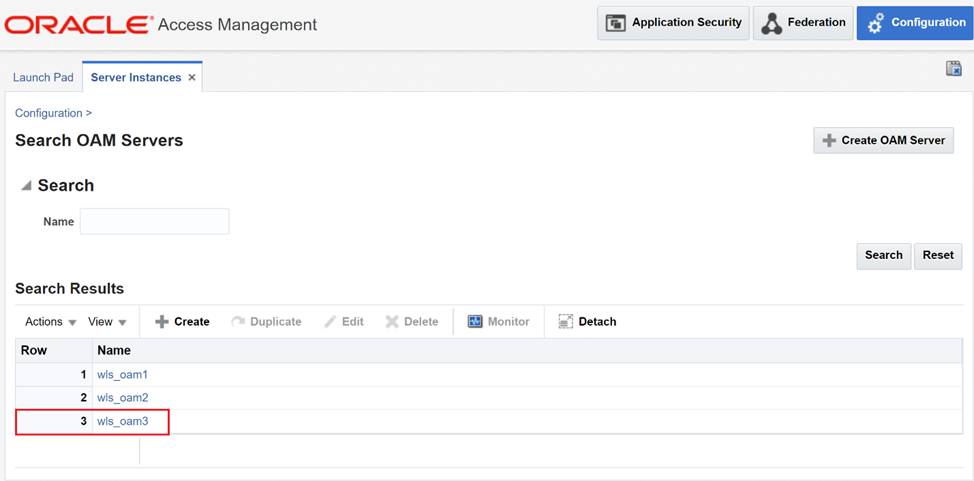
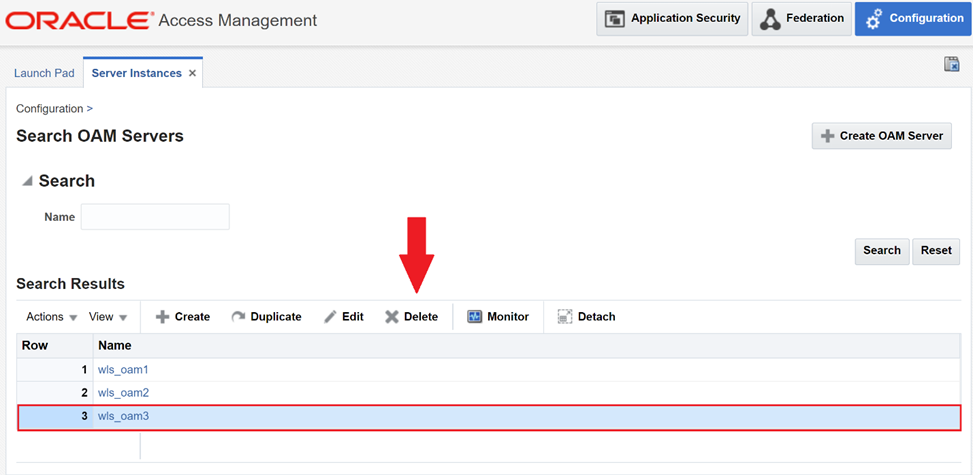
While still logged in to OAM Console, navigate to “Configuration” -> “Server Instances” -> “Search”.
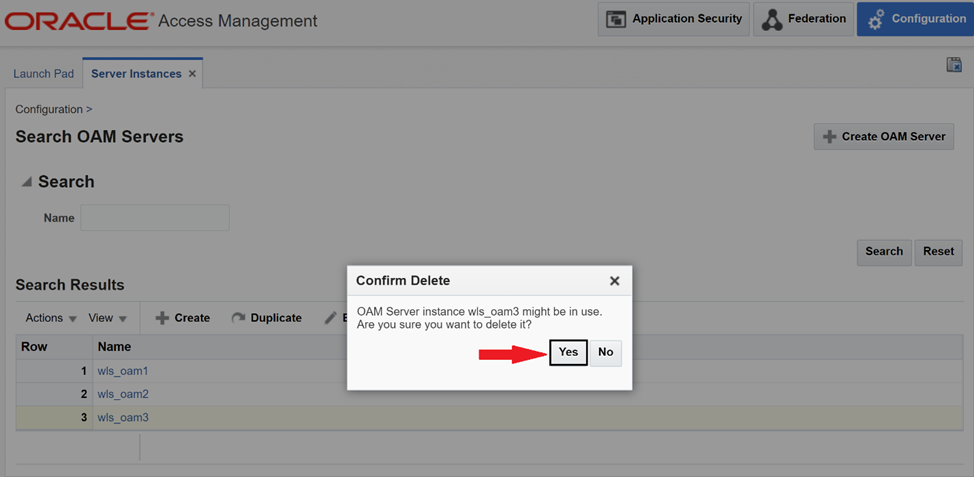
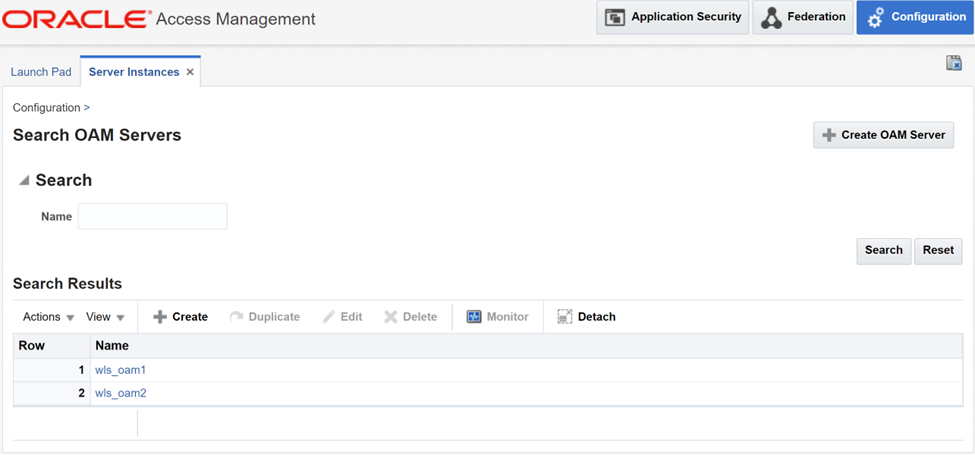
Delete the managed server in question.
5. Remove OAM managed server from cluster
Log in to WebLogic console. Navigate to Environment -> Servers -> Lock & Edit -> “Delete” the managed server(s).
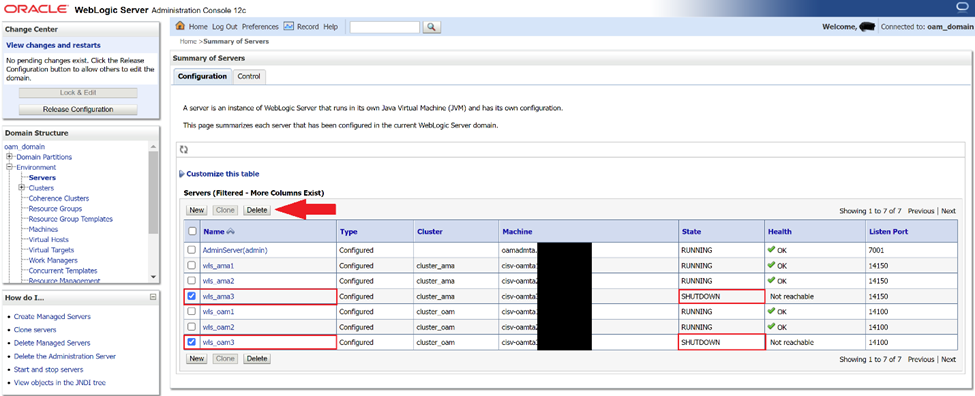

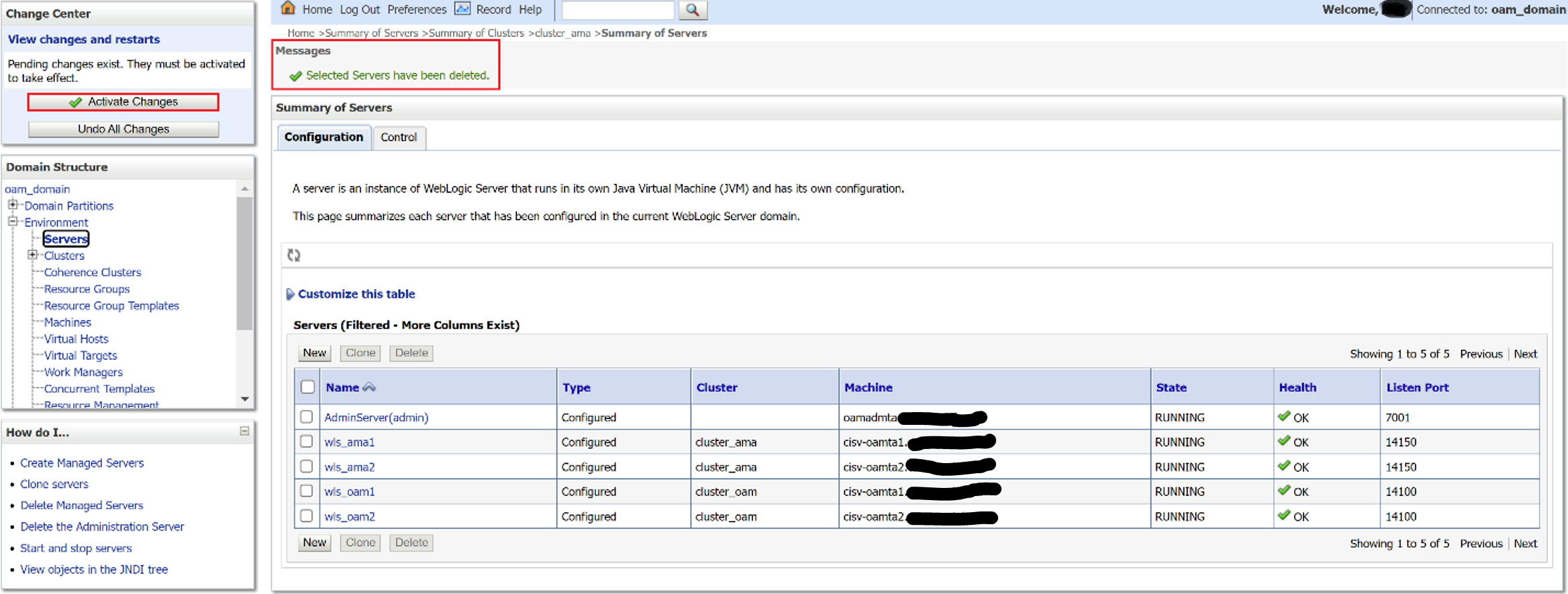
You can see that OAM managed server cluster has one node less than before.
 AninditaK