The supported version to upgrade to Oracle Access Manager 12.2.1.4 is Oracle Access Manager 12.2.1.3.0. This blog provides instructions to upgrade a highly available(Admin server listening on virtual IP), two node cluster deployment of OAM 12.2.1.3 following in-place upgrade method. The Admin server configuration directory is placed on shared storage between the two nodes to support fail over where as for OAM, the files reside in local storage.
Once done verifying other requirements in pre-upgrade checklist, taking a full backup of the OAM environment(plus repository database) and shutting down all processes running on the OAM nodes including OAM managed servers, WebLogic admin server and Node Manager.
Uninstalling 12.2.1.3 Oracle Identity Management software on OAM host
Follow the steps below for uninstallation:
cd $ORACLE_HOME/oui/bin
./deinstall.sh
—
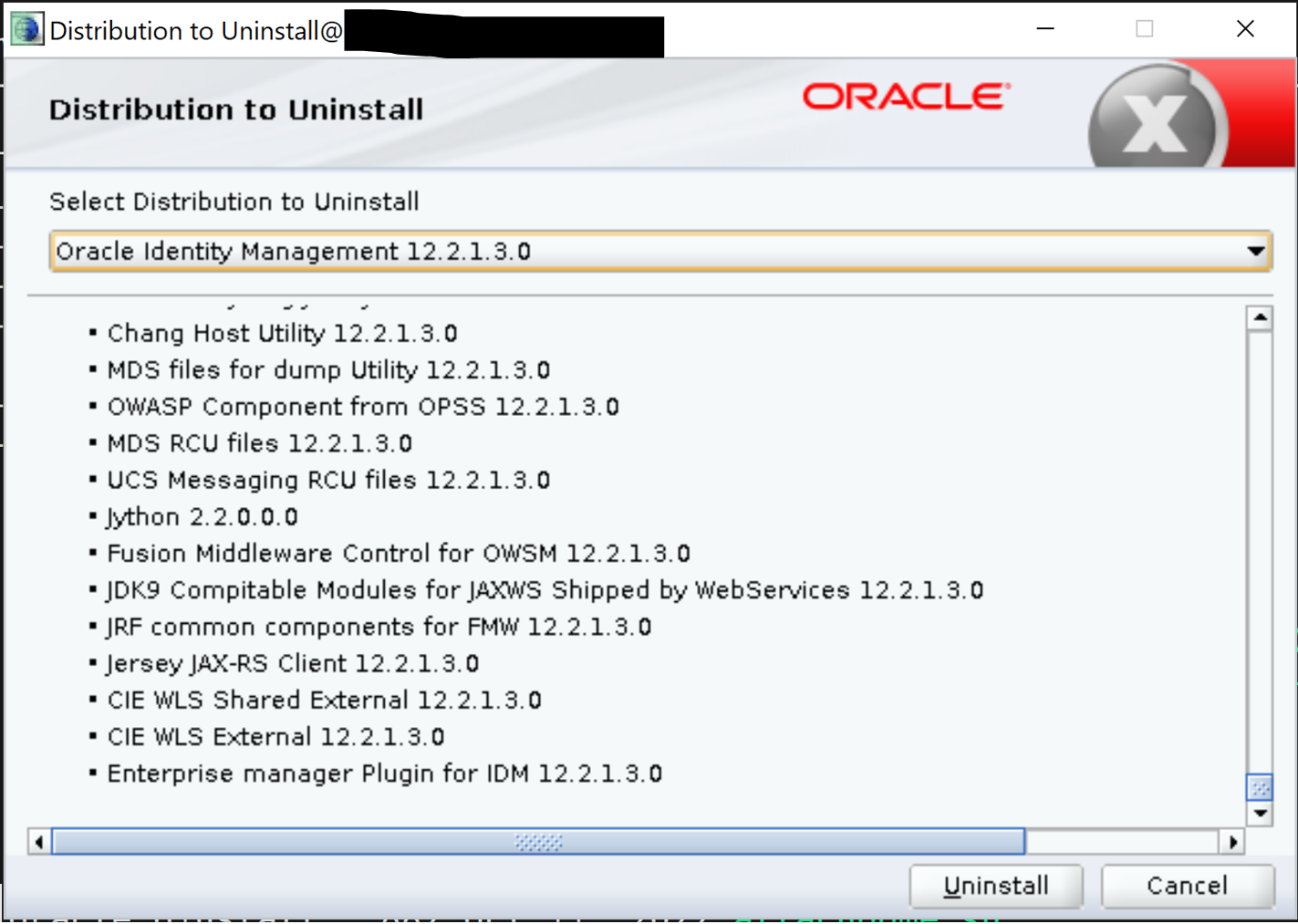
—
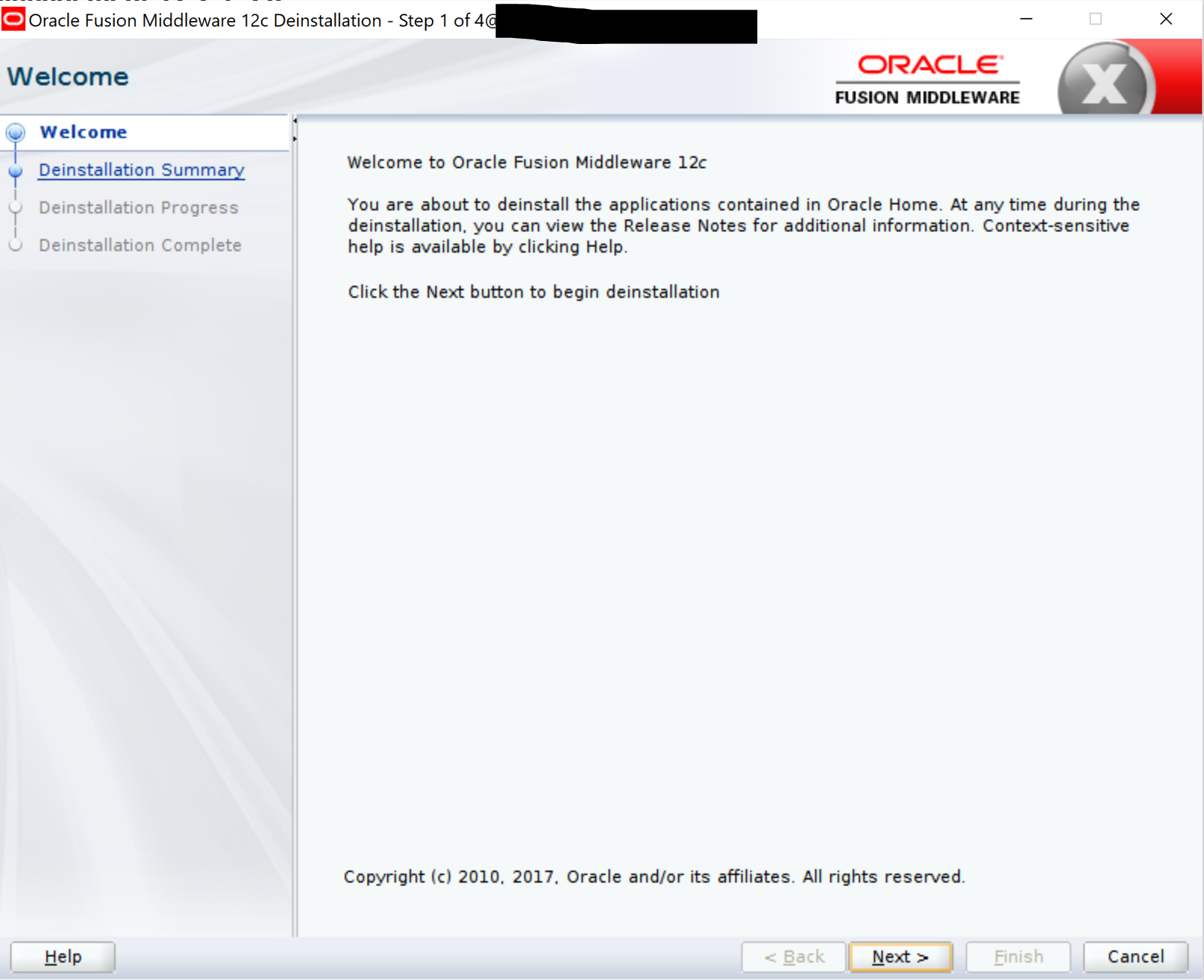
—
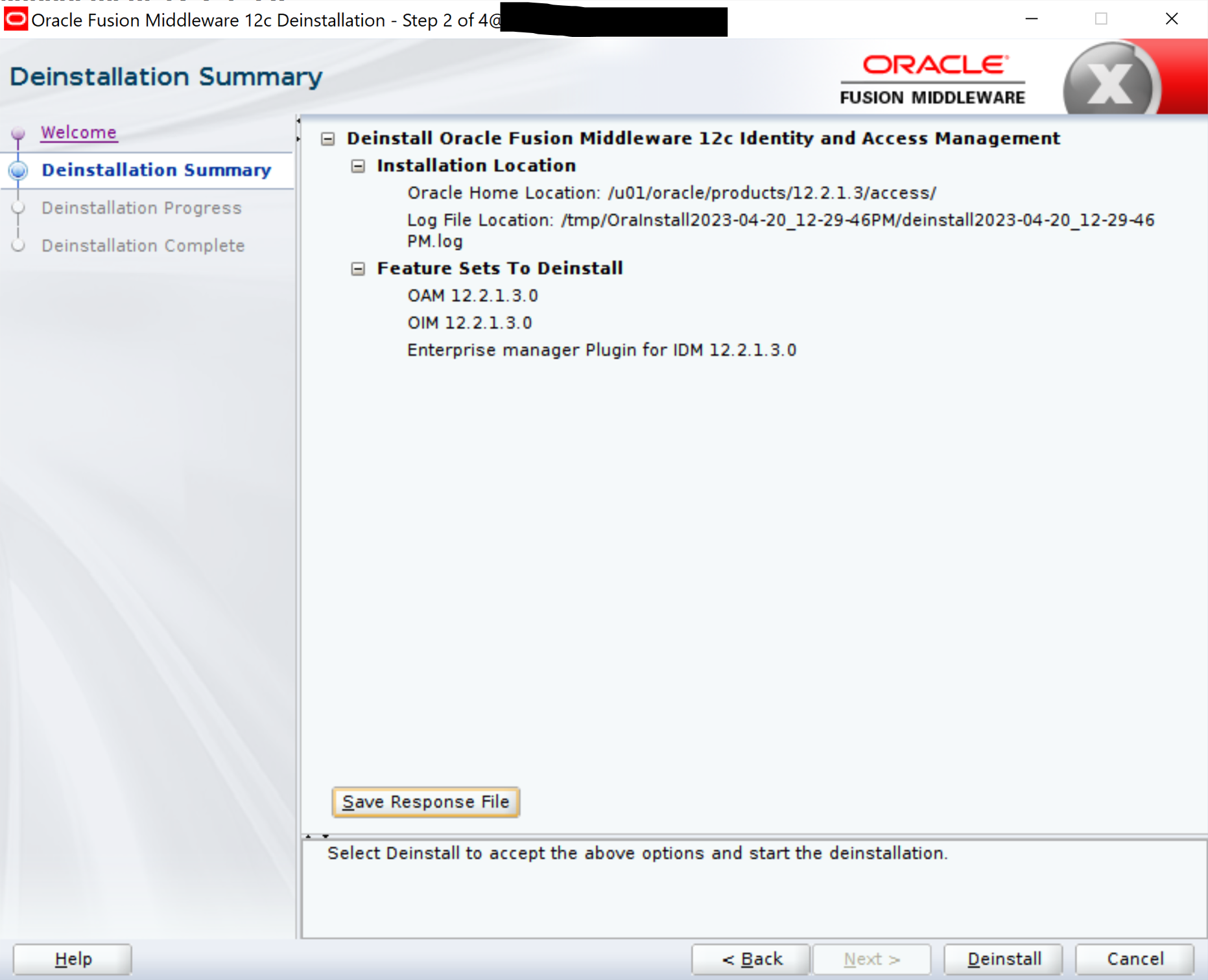
—
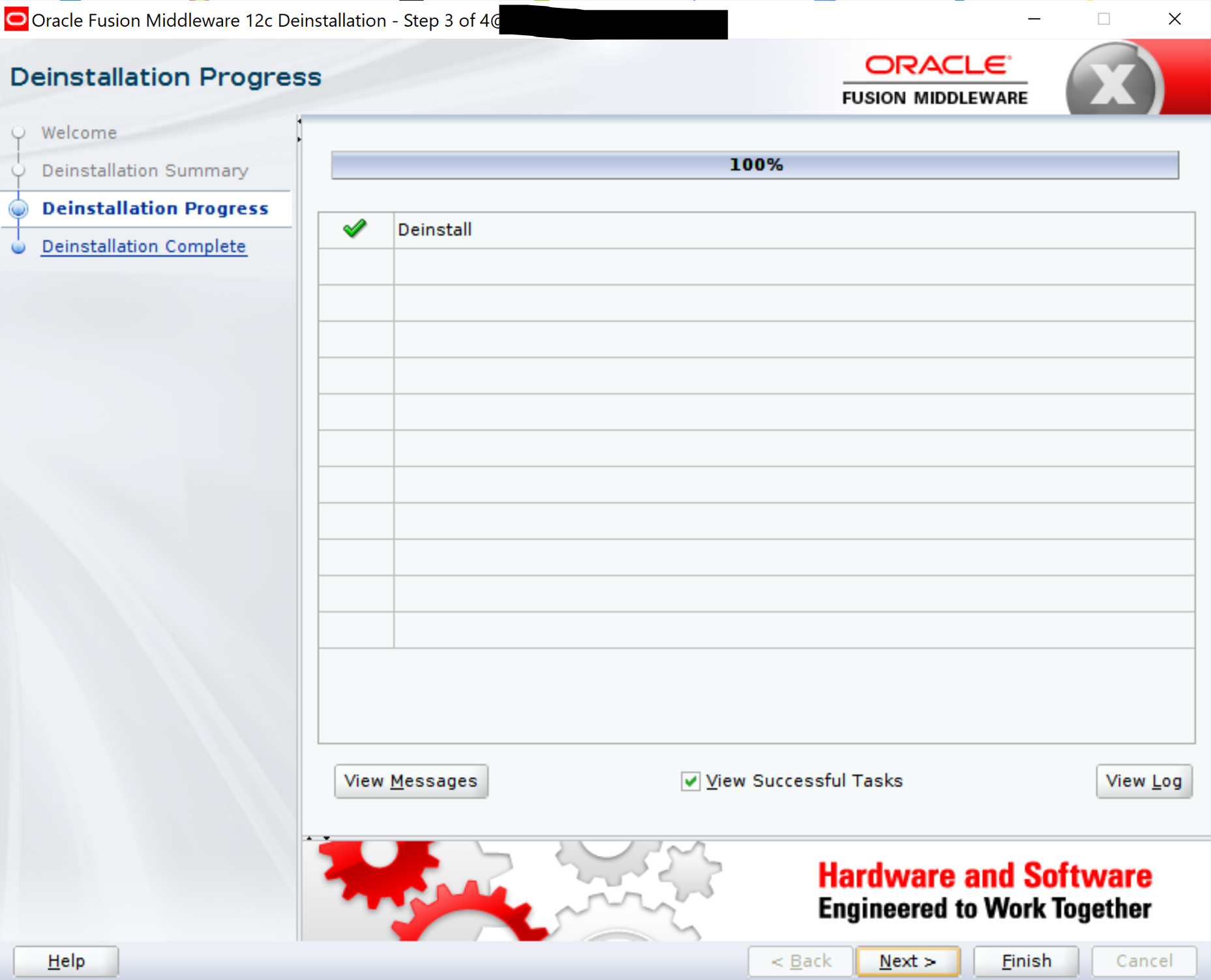
—
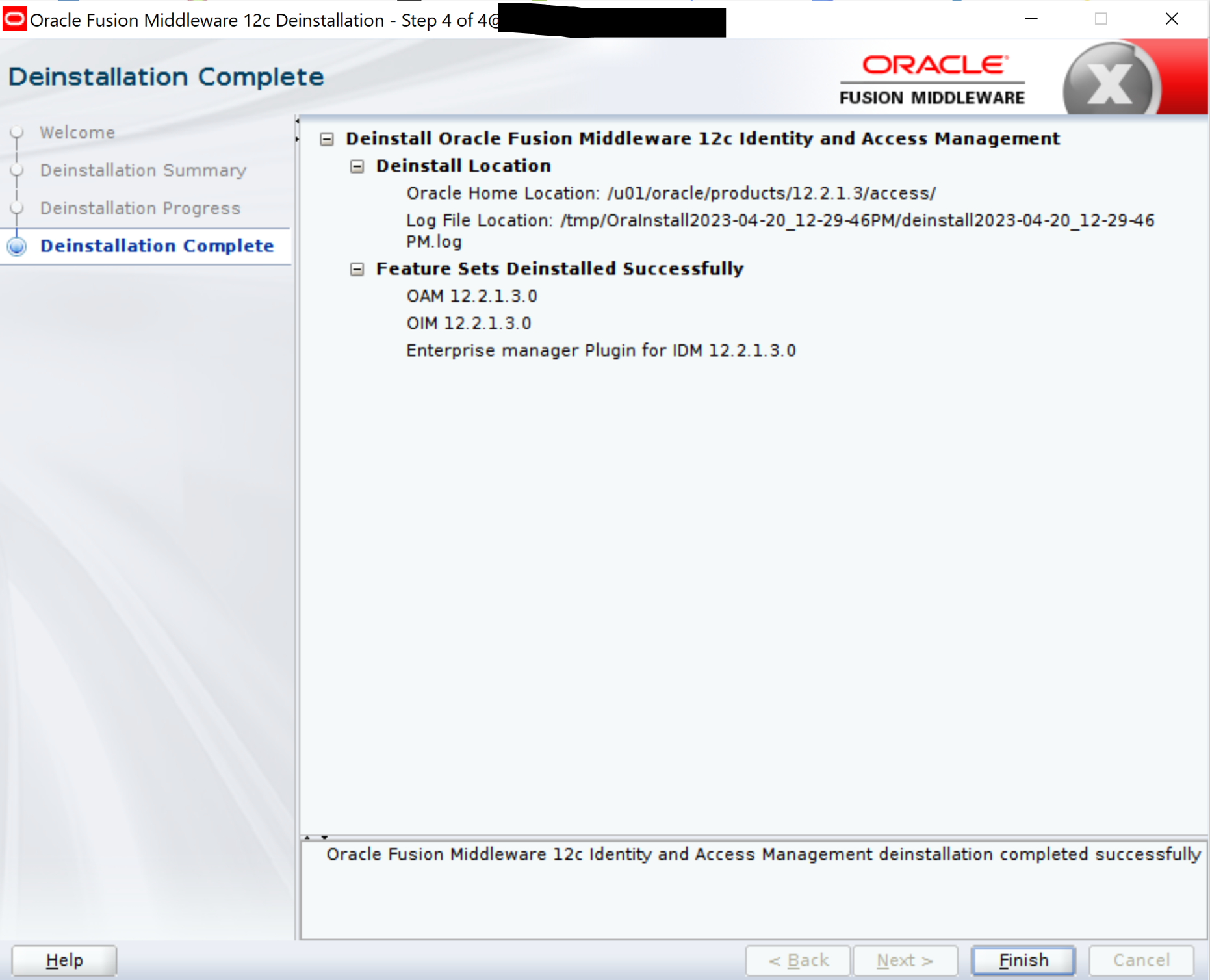
NOTE: You will then be prompted to uninstall OPatch. Use the same deinstall.sh command for the same.
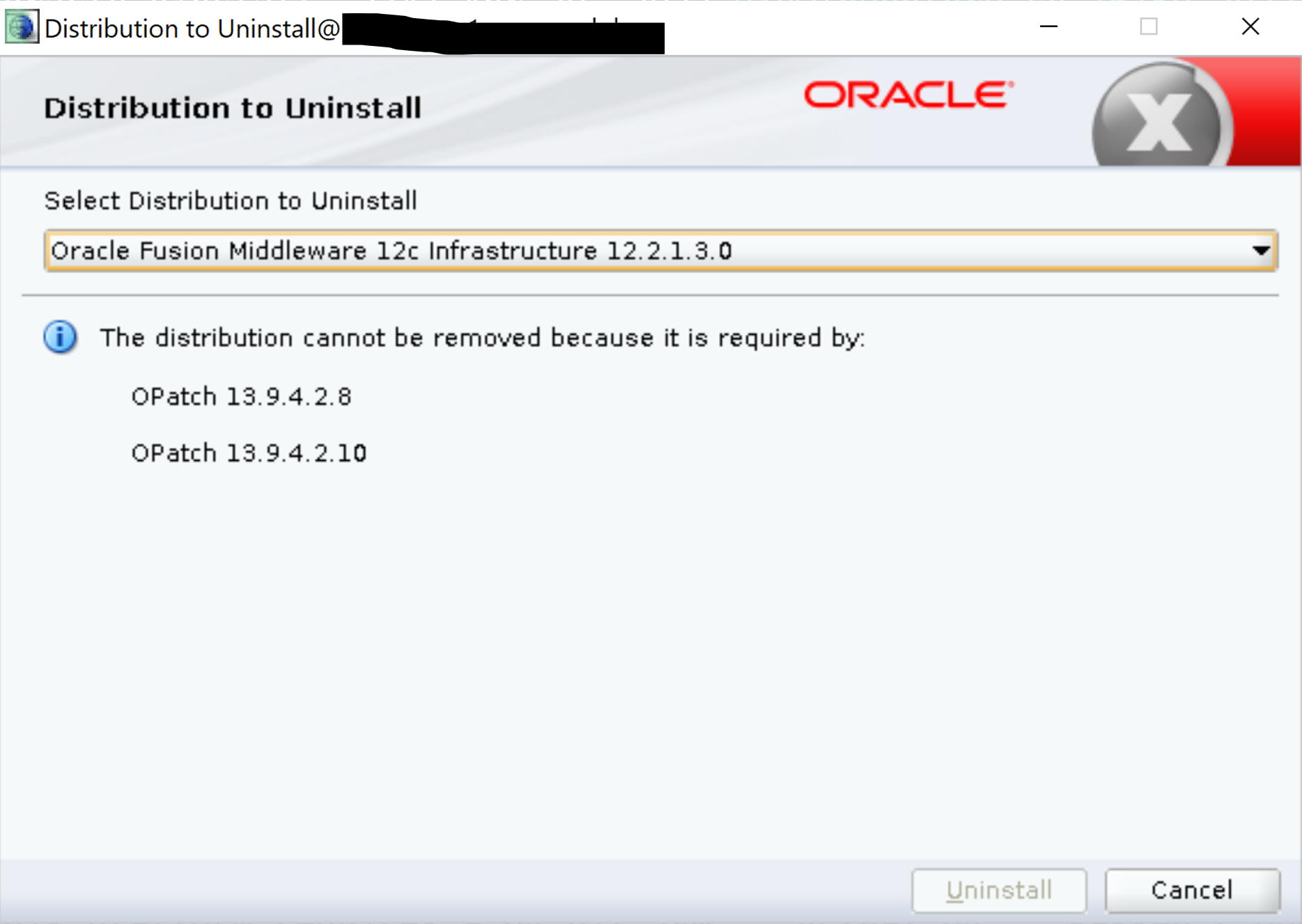
Uninstalling 12.2.1.3 Oracle Fusion Middleware 12c software on OAM host
Follow the steps below for uninstallation:
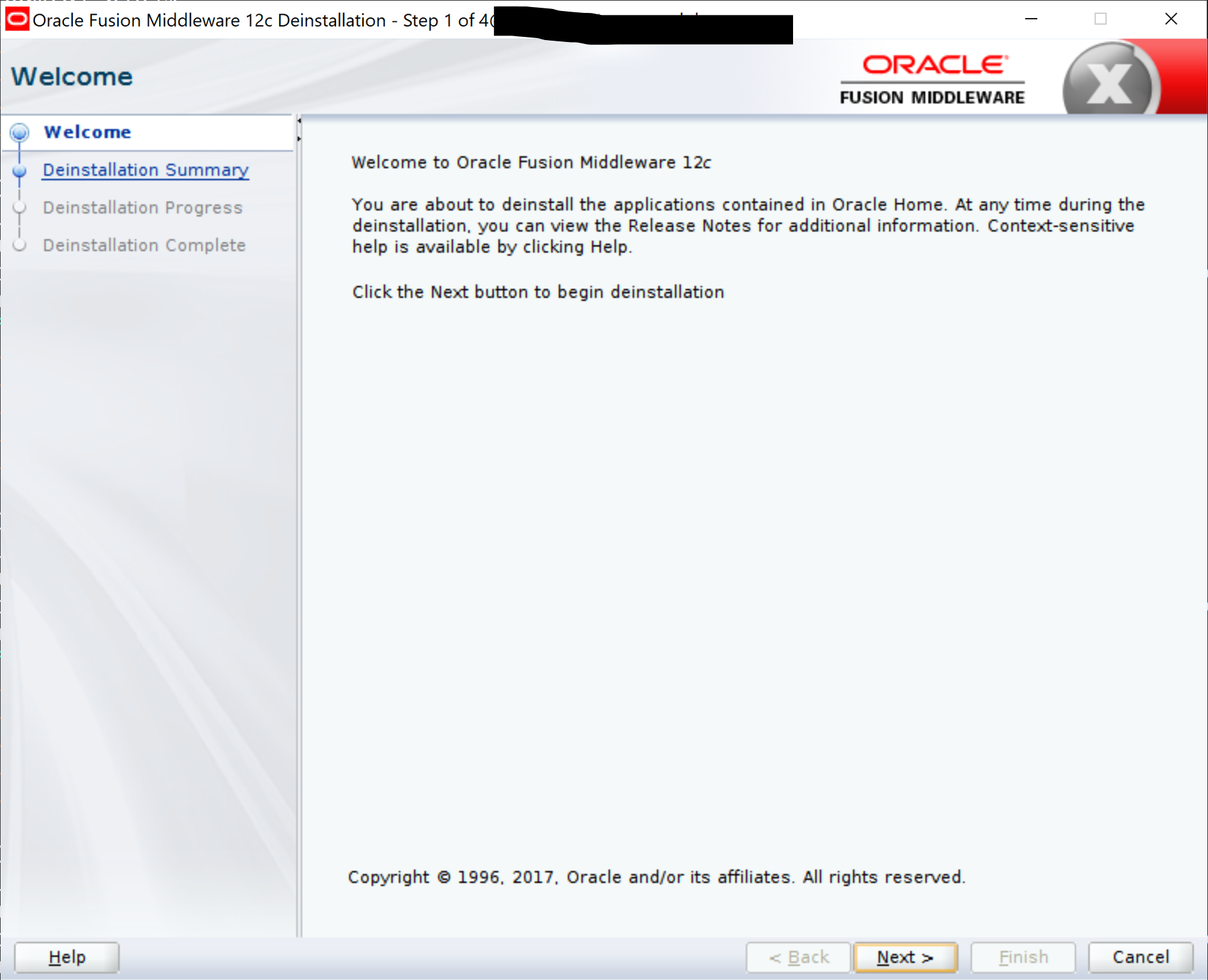
—
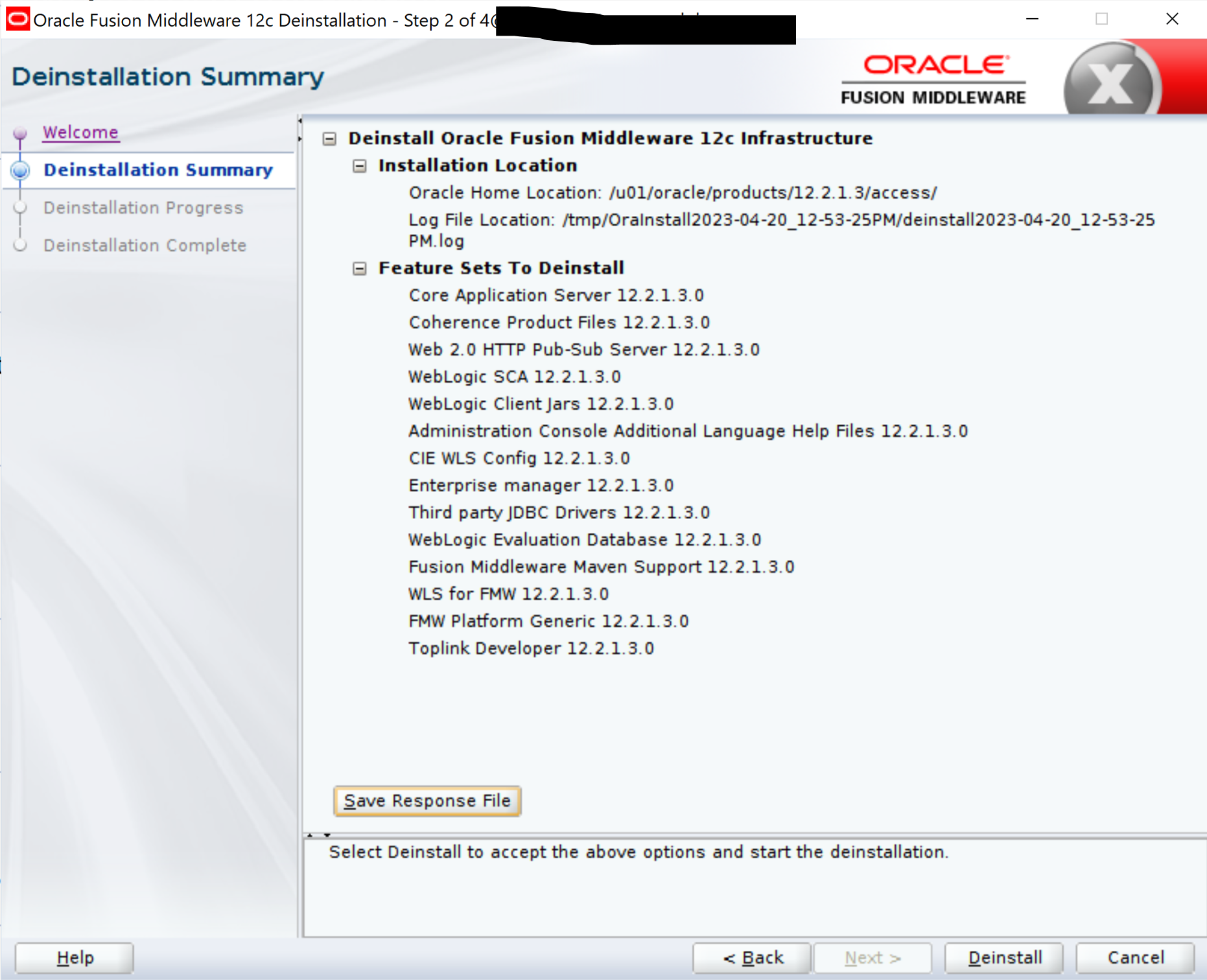
—
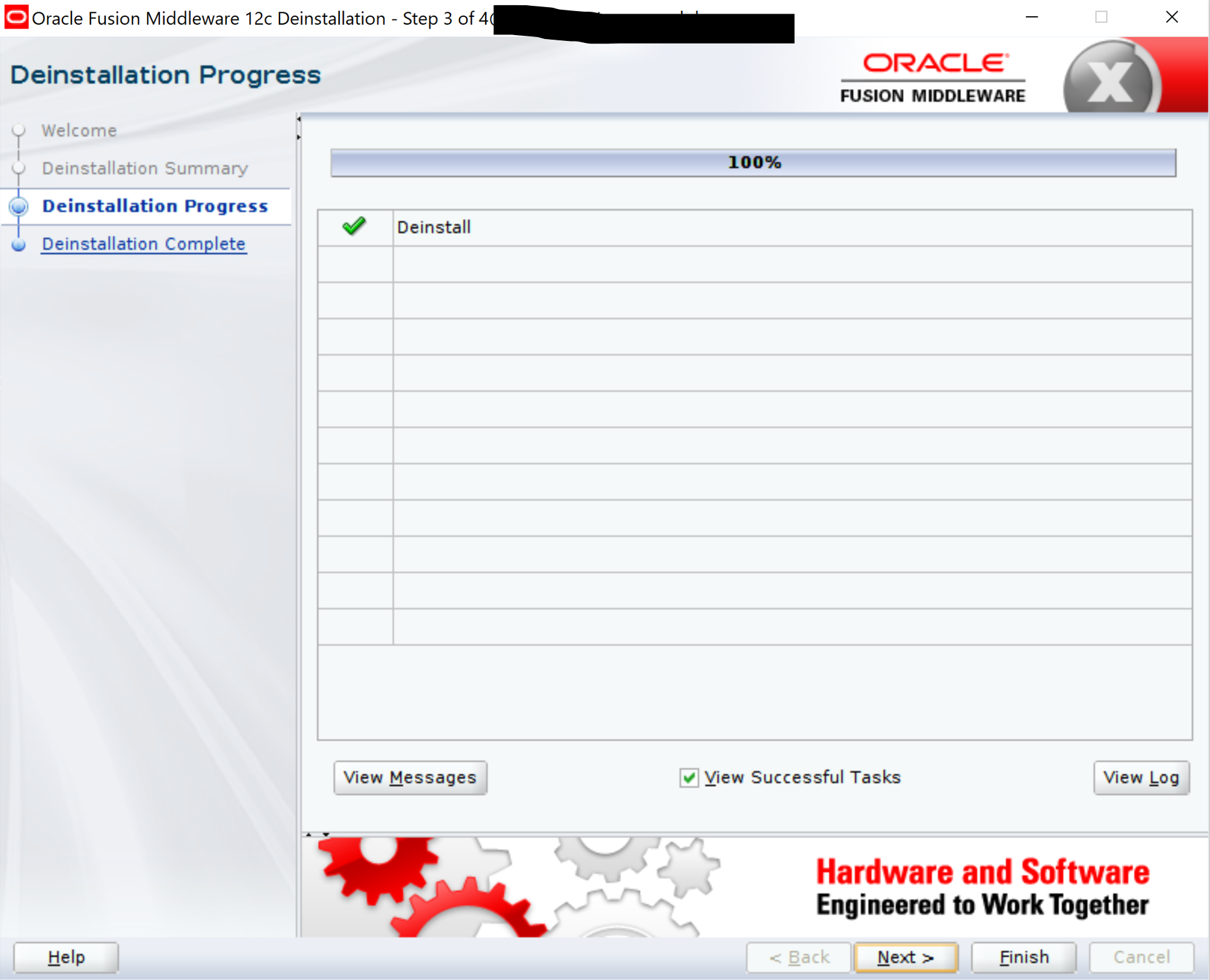
—
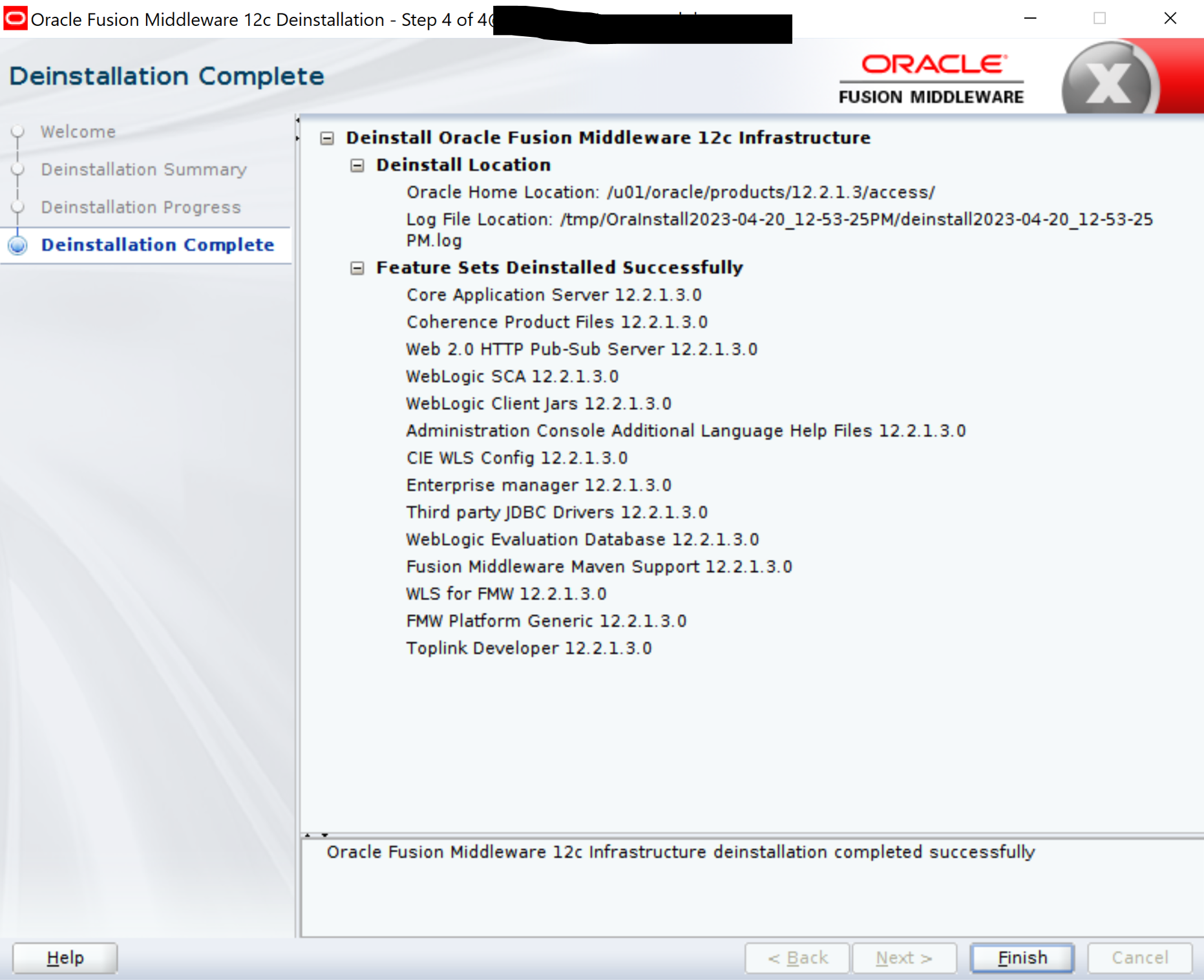
NOTE: After the uninstallation, backup domain-registry.xml file and user_projects directory in a location different from 12.2.1.3 OAM Oracle Home and clean up the directory.
cd $ORACLE_HOME/
ls -la
total 20
drwxr-x--- 4 oracle oinstall 4096 Apr 20 13:05 .
drwxr-x--- 7 oracle oinstall 4096 Apr 20 12:55 ..
Installing 12.2.1.4 Oracle Fusion Middleware 12c software on OAM host
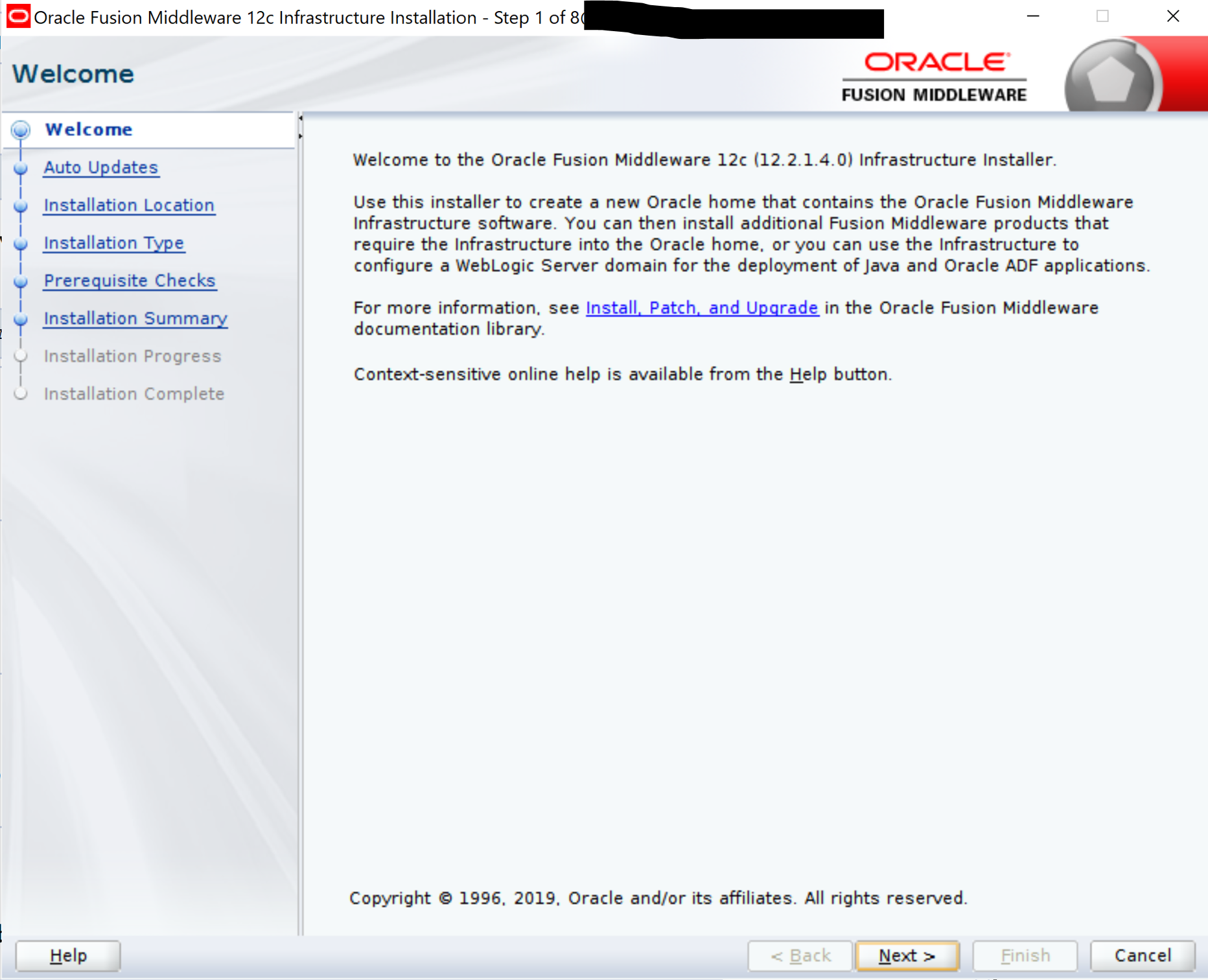
In the same location as 12.2.1.3 OAM Oracle Home, install 12.2.1.4 software for both FMW 12c and OAM 12.2.1.4.
NOTE: Navigate to the 12.2.1.4 software staging directory and invoke the installation JAR files – fmw_12.2.1.4.0_infrastructure.jar & fmw_12.2.1.4.0_idm.jar, in that order.
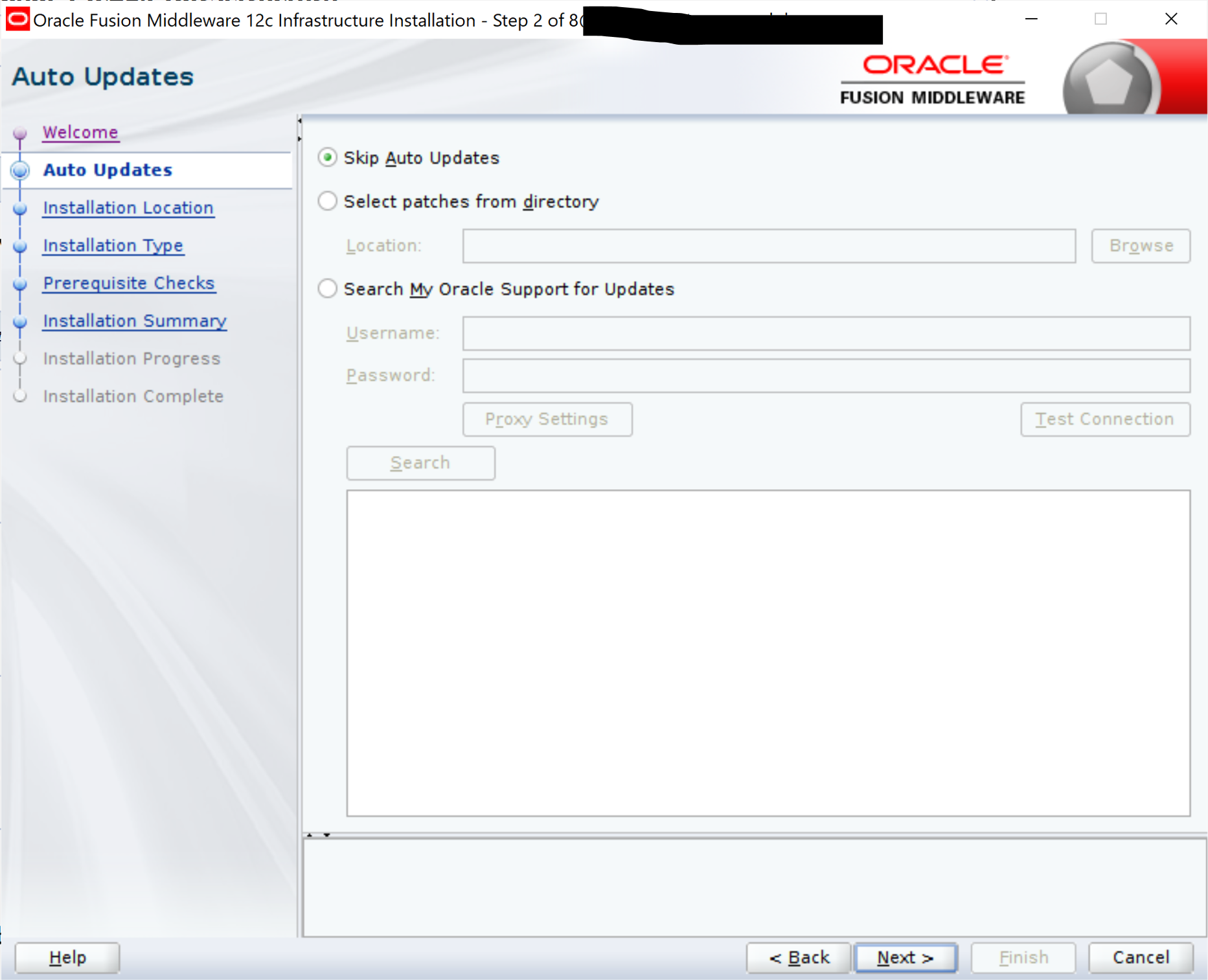
Follow the steps below for installation:
cd /u01/oracle/stage/oam12.2.1.4

ls
fmw_12.2.1.4.0_idm.jar fmw_12.2.1.4.0_infrastructure.jar

echo $JAVA_HOME
/u01/oracle/products/12.2.1.3/jdk

$JAVA_HOME/bin/java -jar fmw_12.2.1.4.0_infrastructure.jar
—
—
—
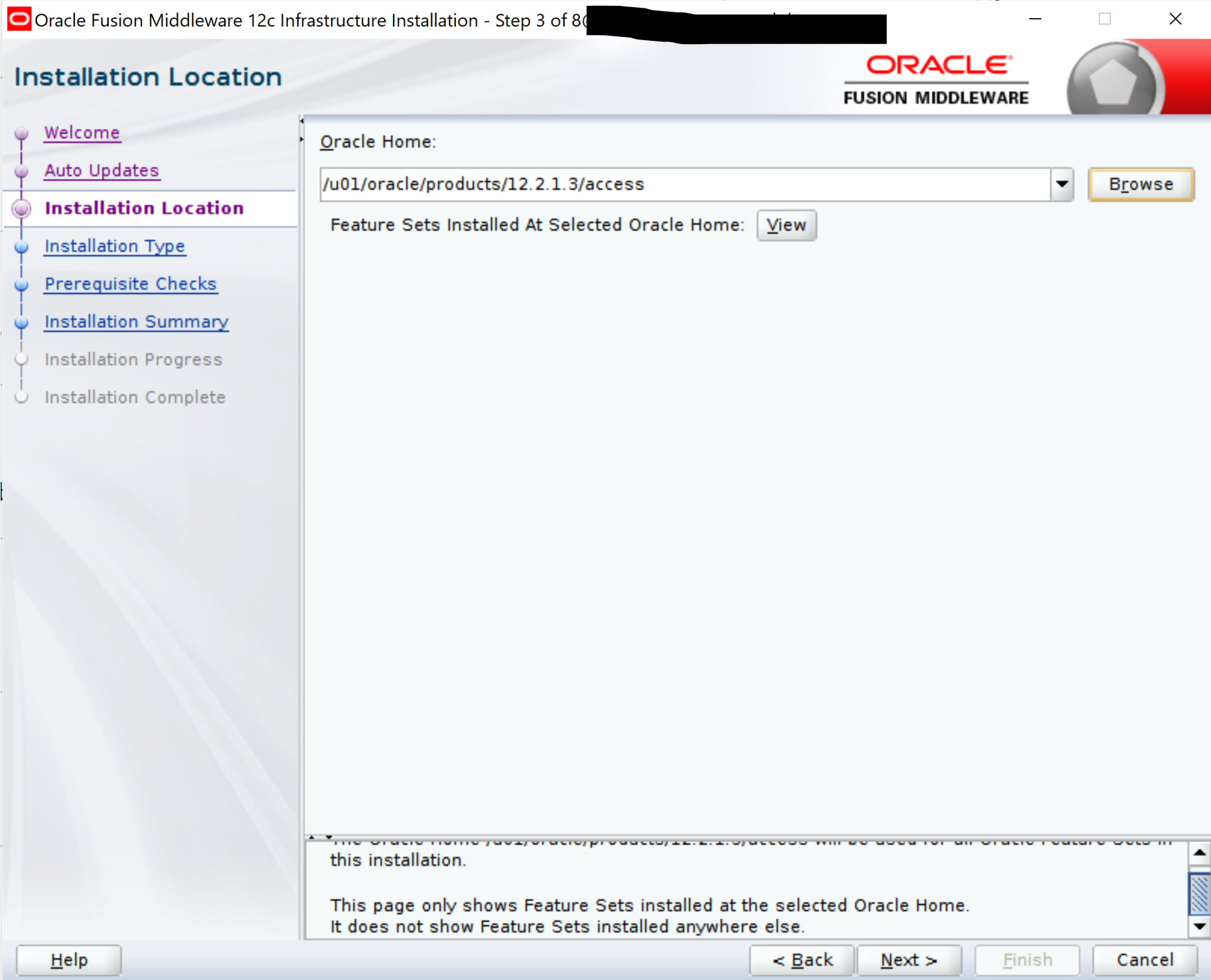
—
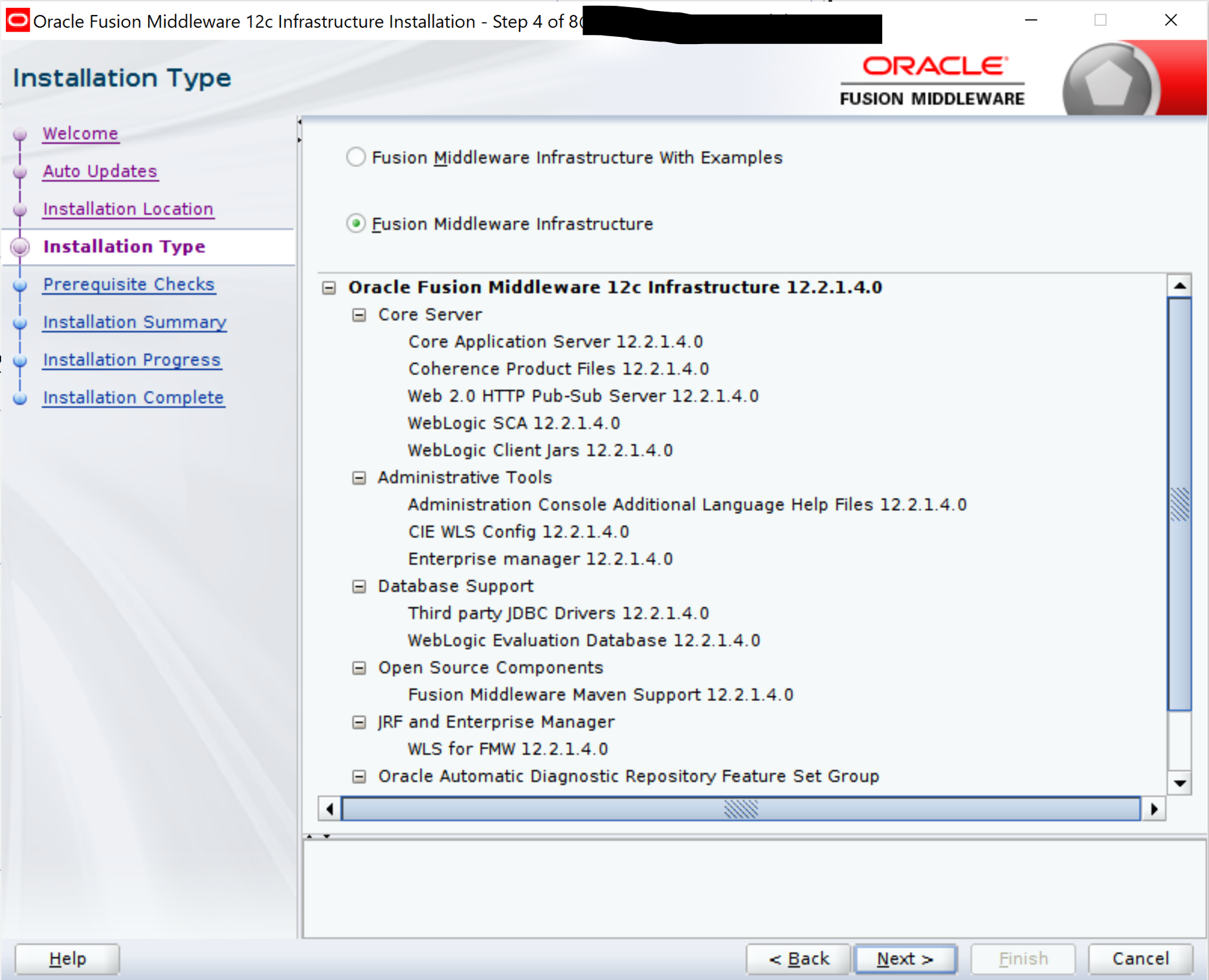
—
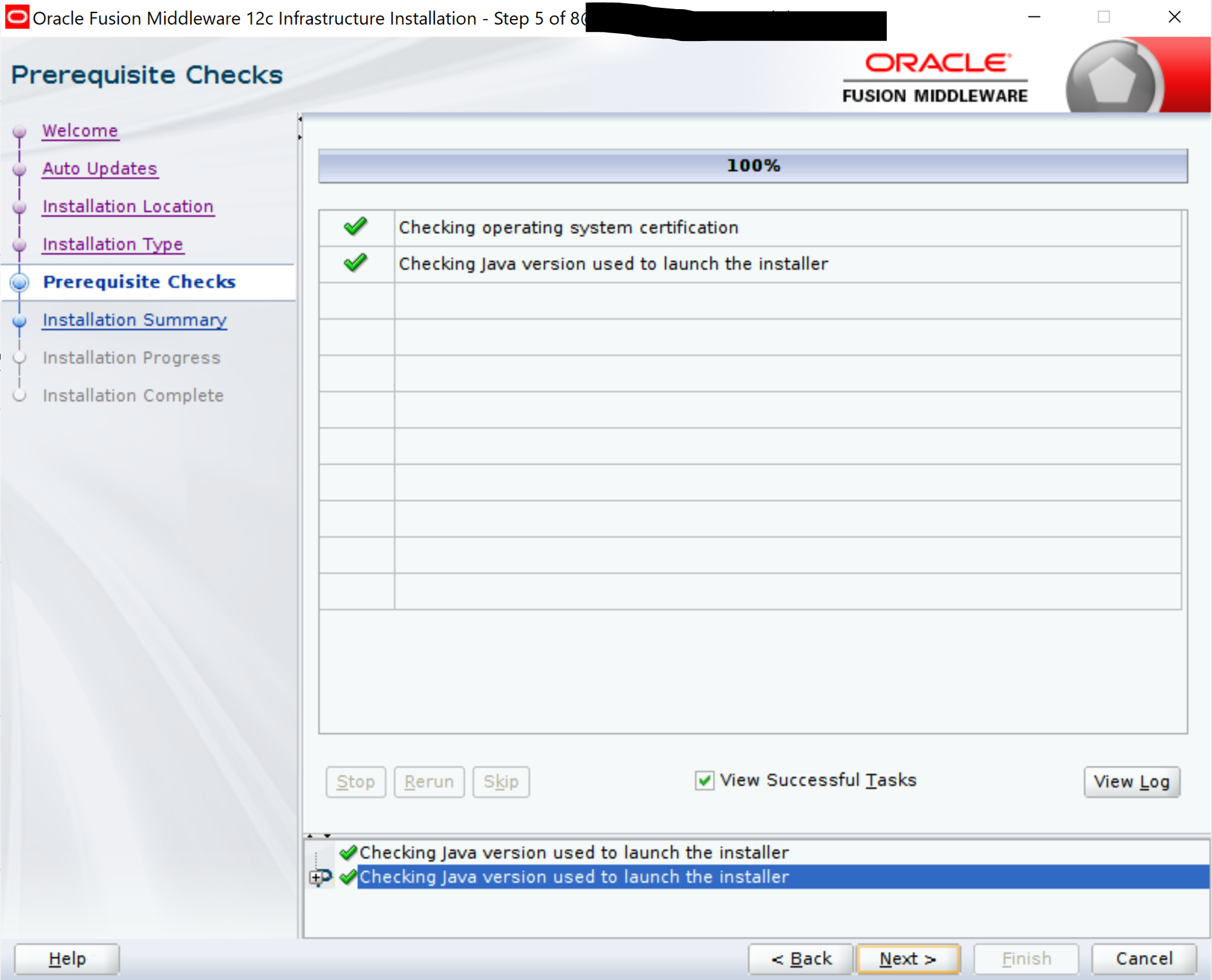
—
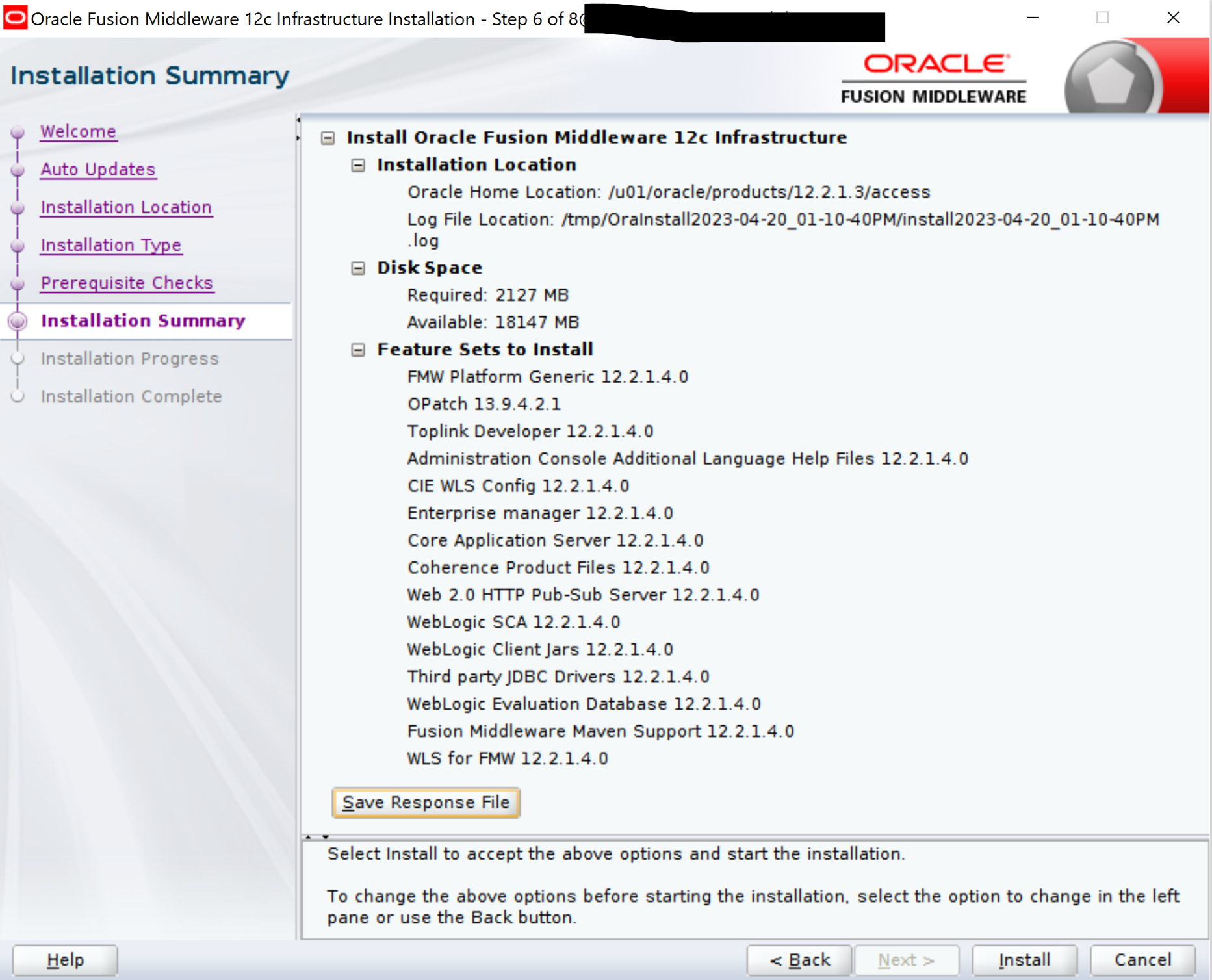
—
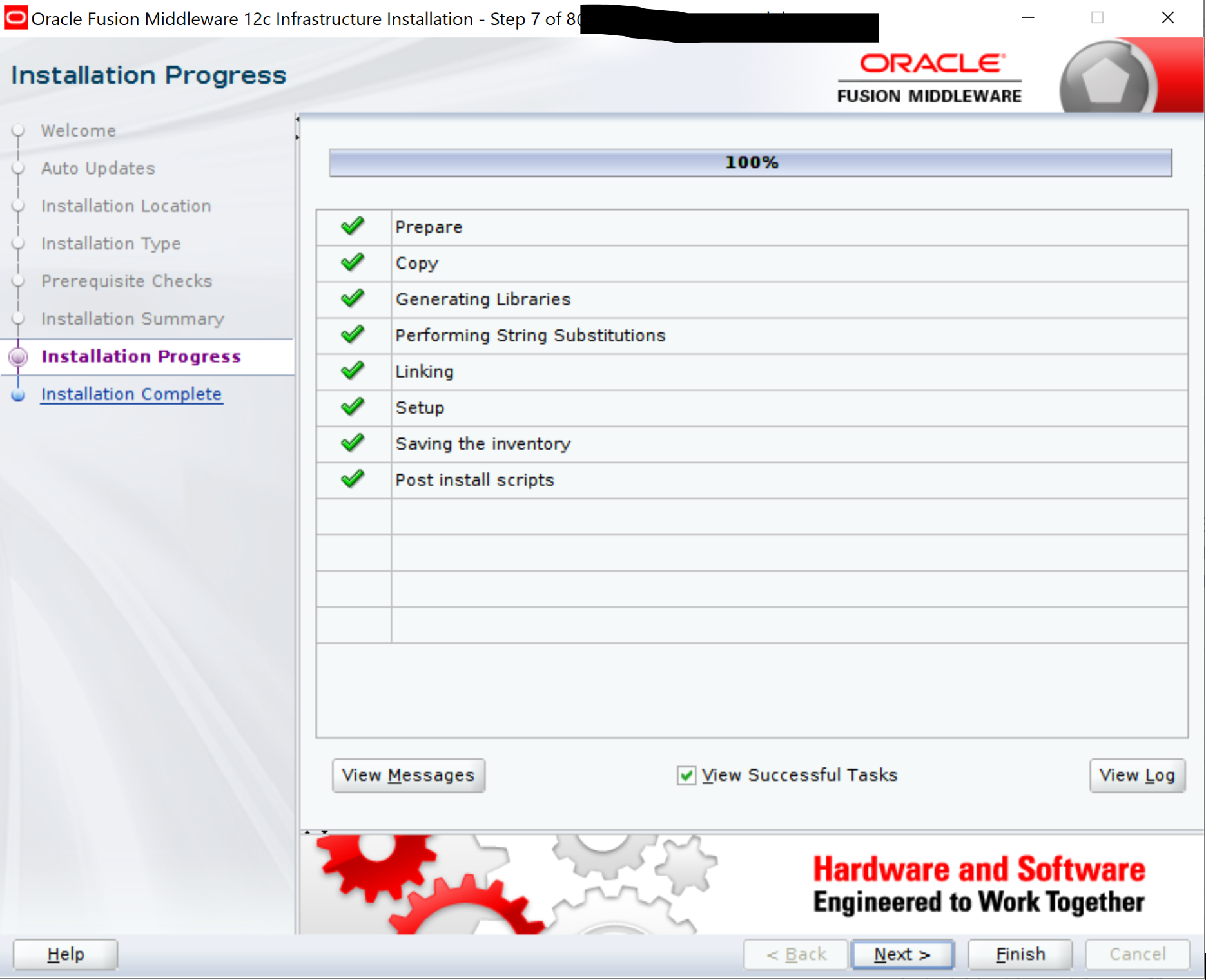
—
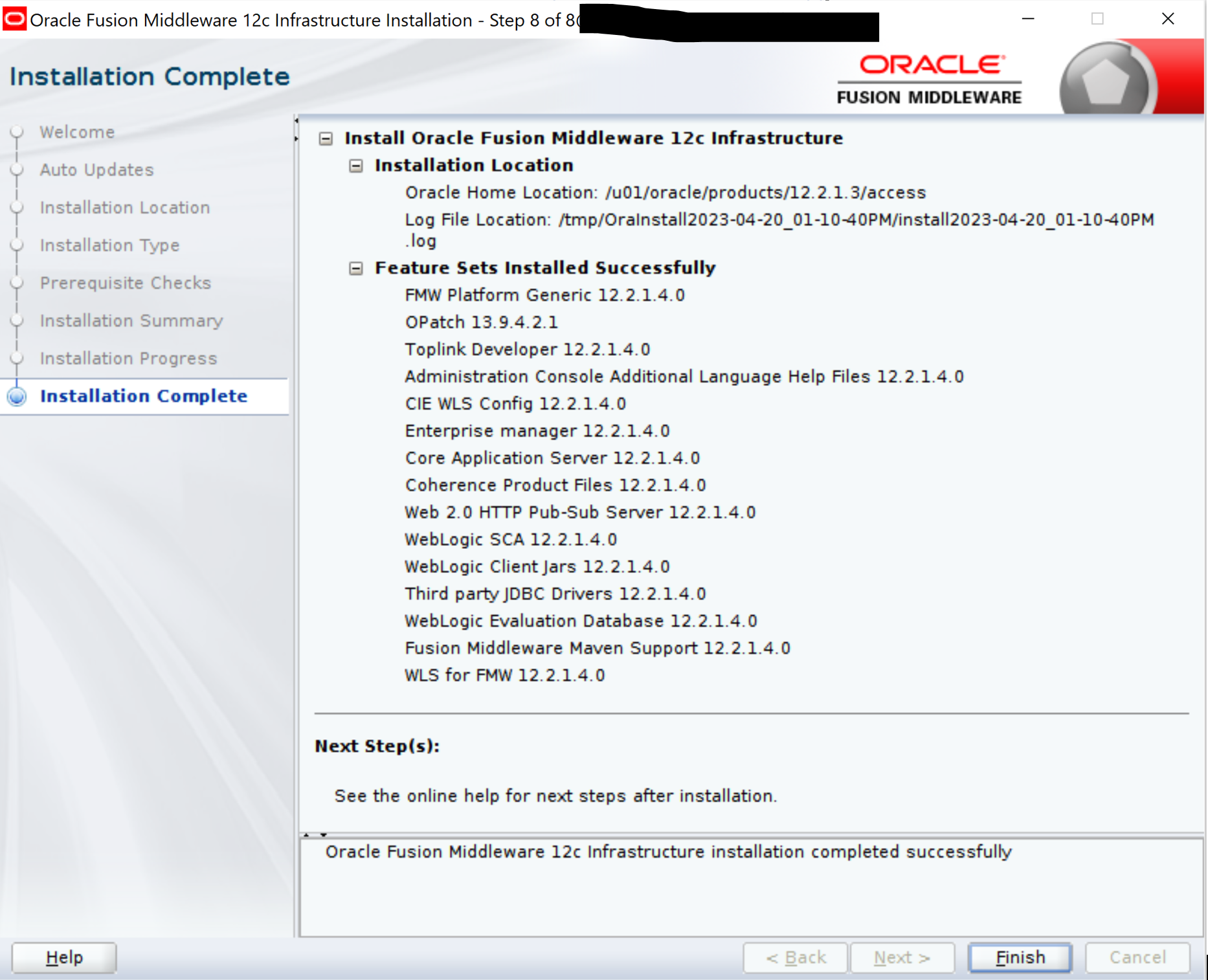
NOTE: Move back domain-registry.xml and user_projects to the newly installed 12.2.1.4 FMW software location.
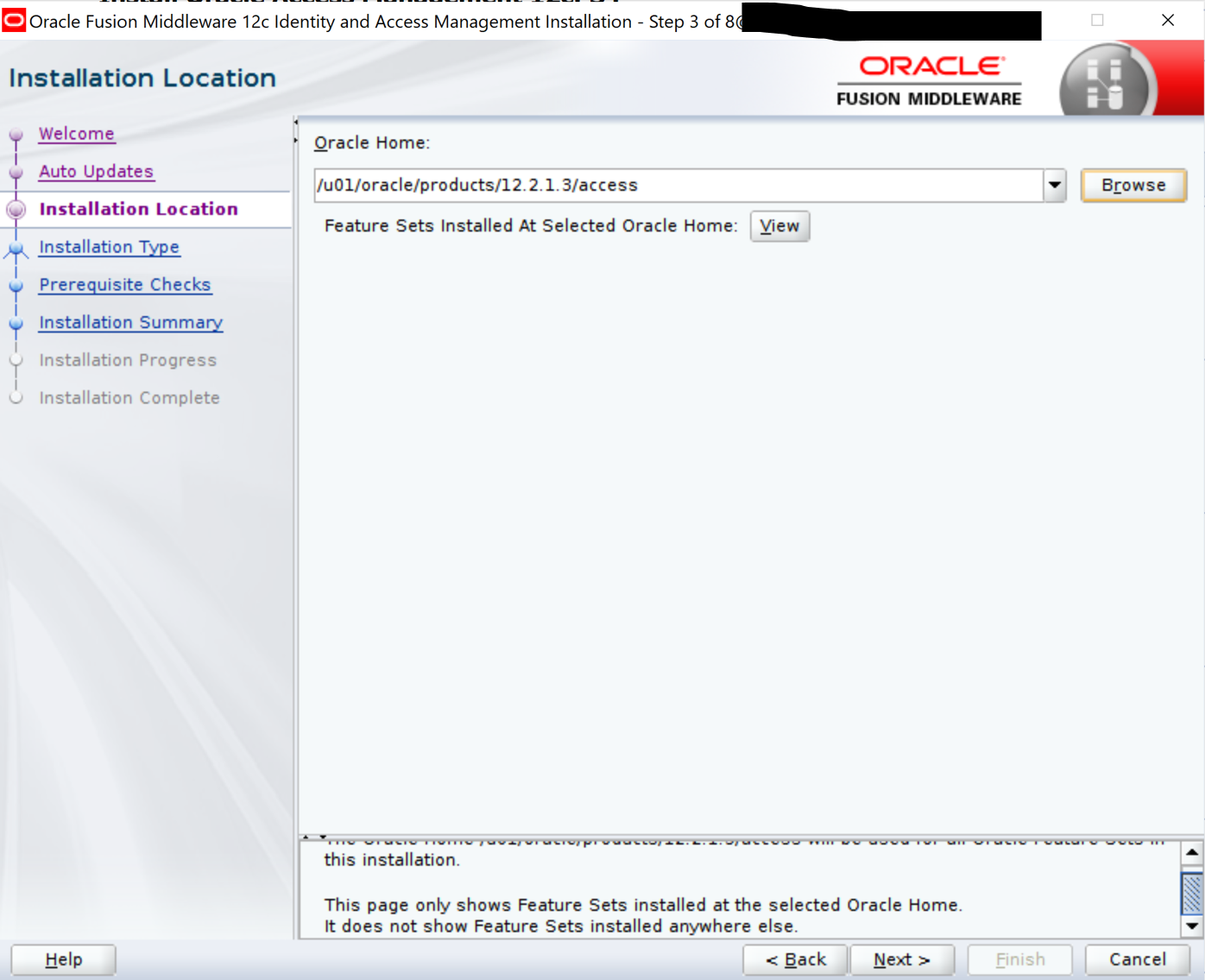
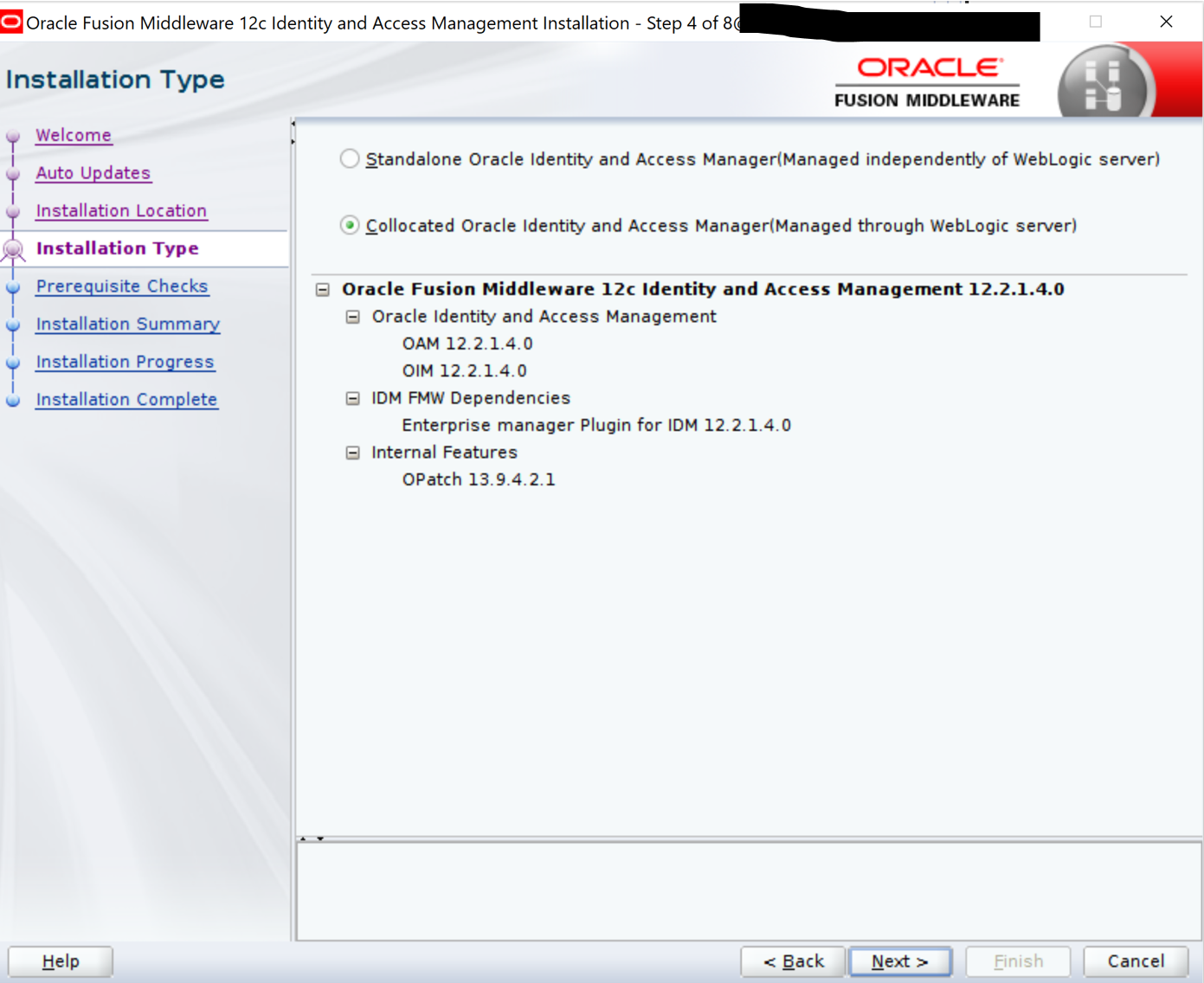
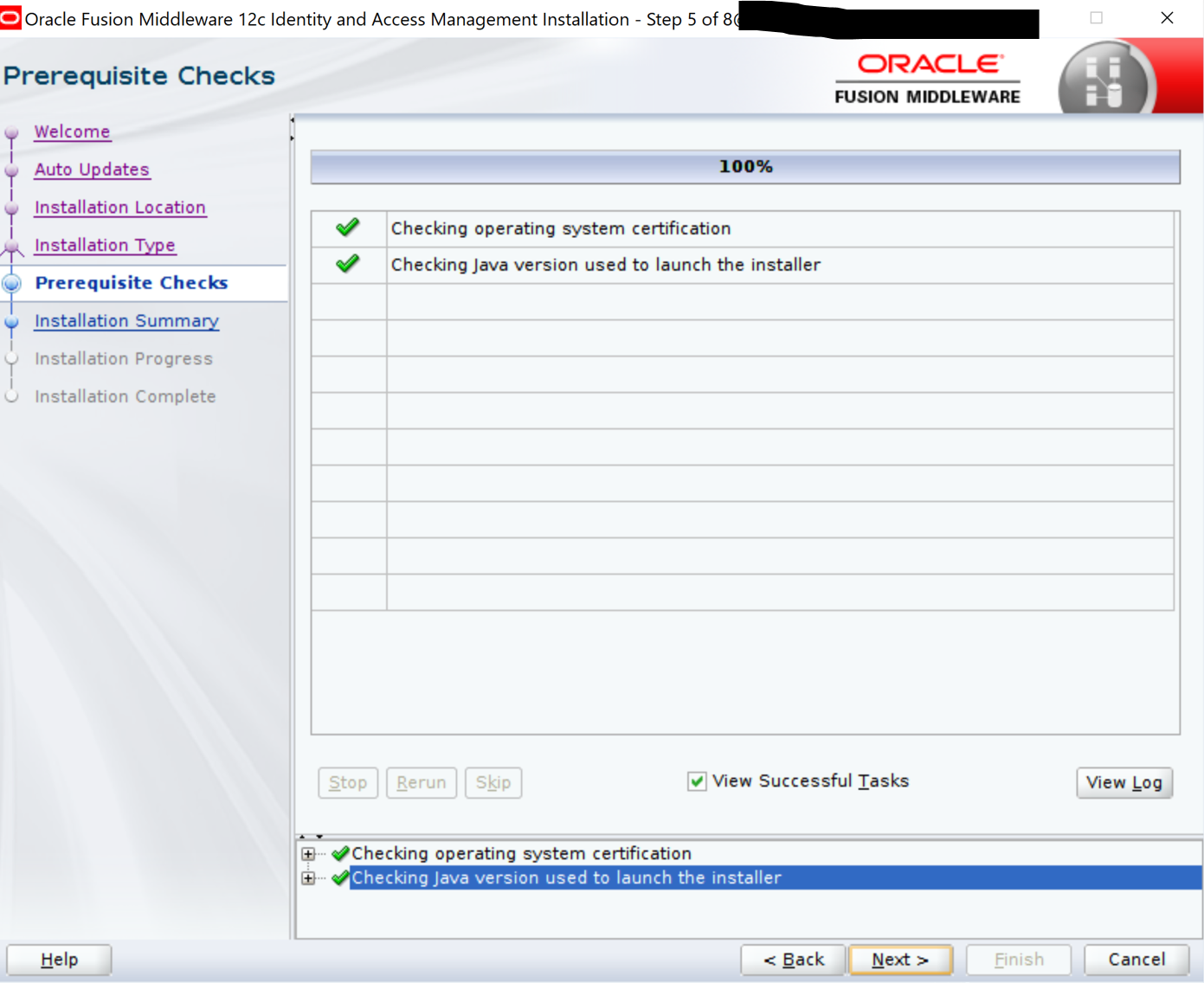
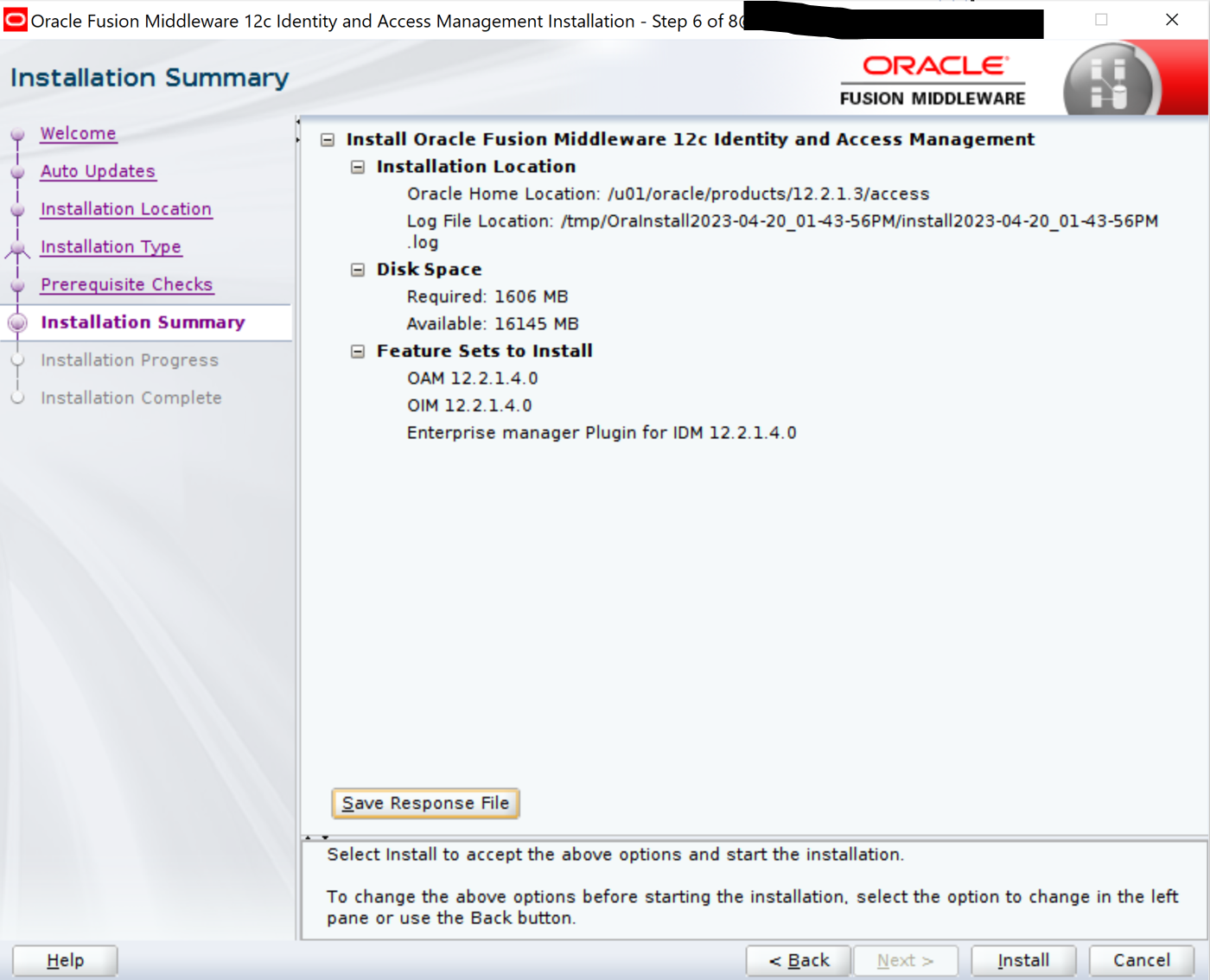
Installing 12.2.1.4 Oracle Identity Management software on OAM host
From the staging location, issue the following command:
$JAVA_HOME/bin/java -jar fmw_12.2.1.4.0_idm.jar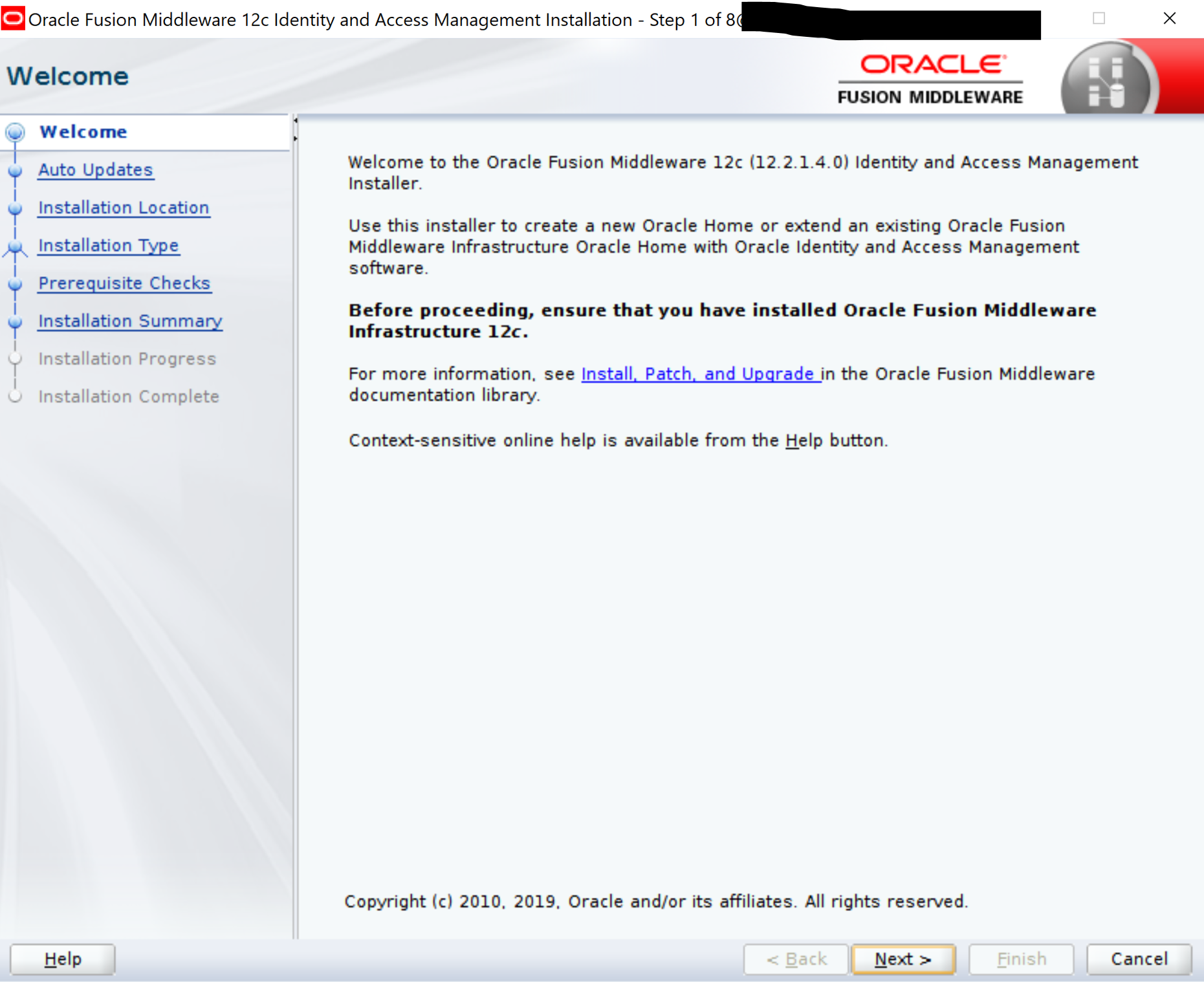
—
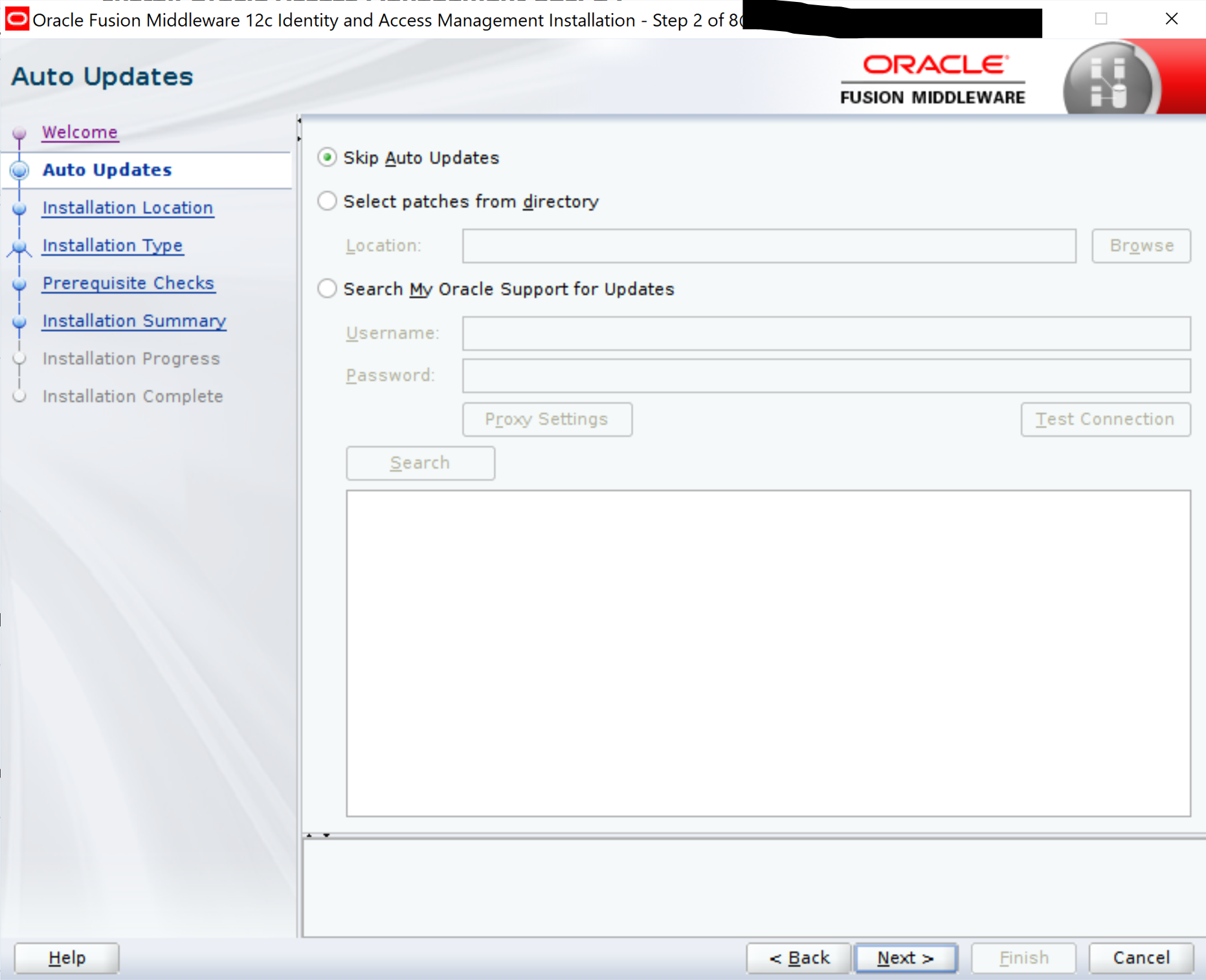
—
—
—
—
—
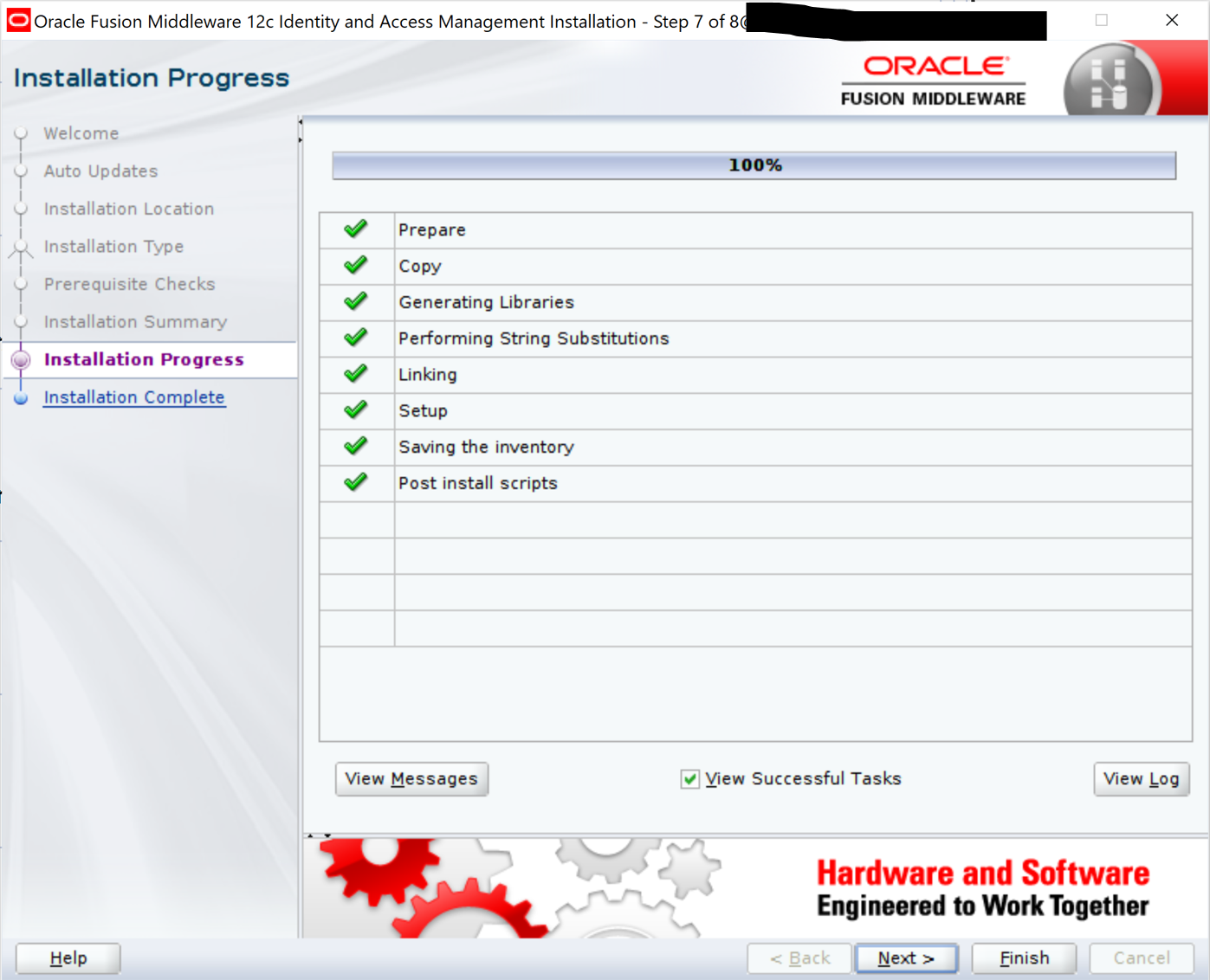
—
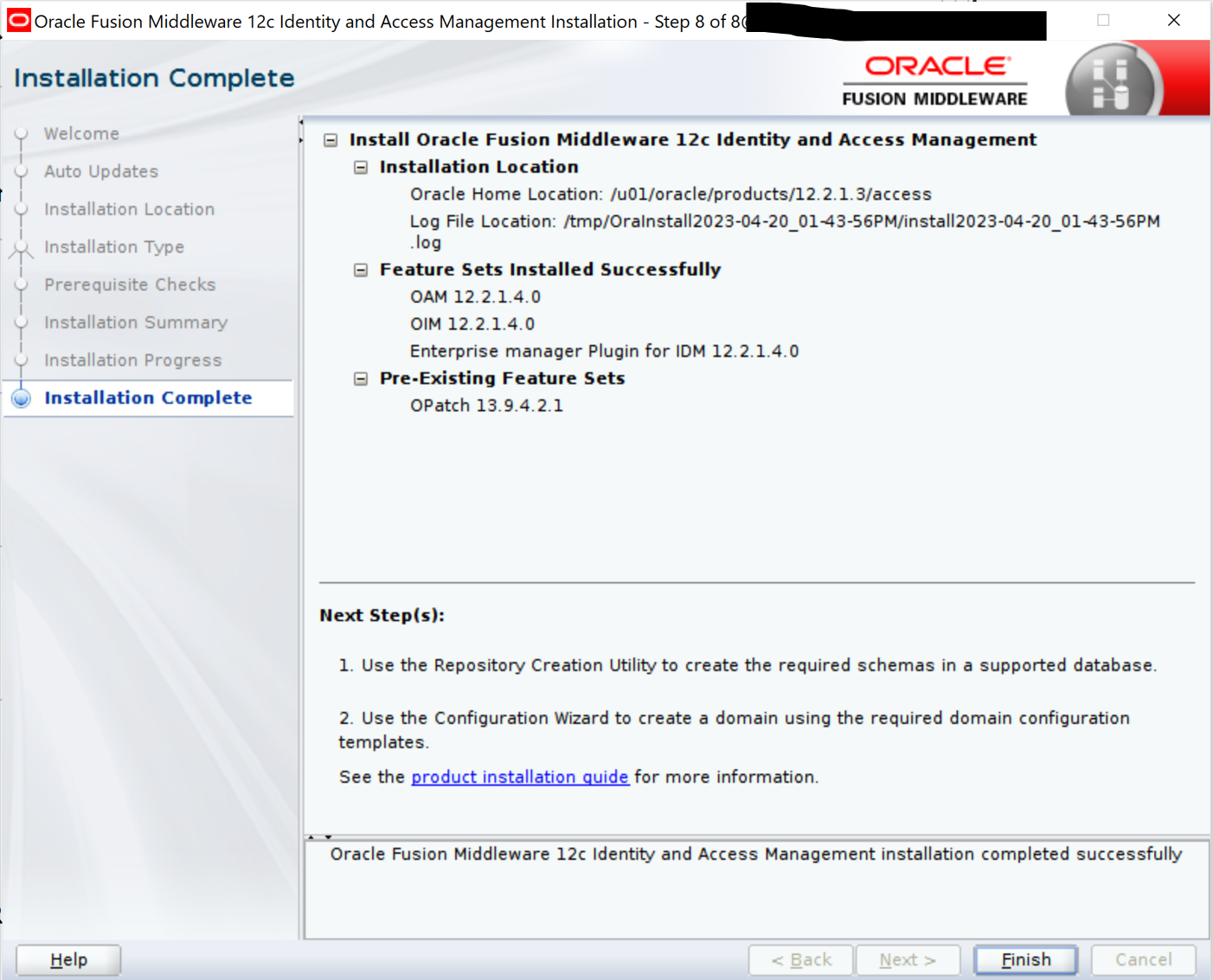
In the next blog, we will go through steps to reconfigure the WebLogic domain.
References: Upgrading Oracle Access Manager Highly Available Environments , Upgrade Advisor for Oracle Access Manager 12cR2 PS4 (OAM 12.2.1.4.0) (Doc ID 2564763.2) , Upgrade Oracle Access Manager (OAM) 12cR2 PS4 (OAM 12.2.1.4.0) Multi Node Environment (Doc ID 2666399.1)
 AninditaK
One thought on “Upgrade Oracle Access Manager to 12.2.1.4”