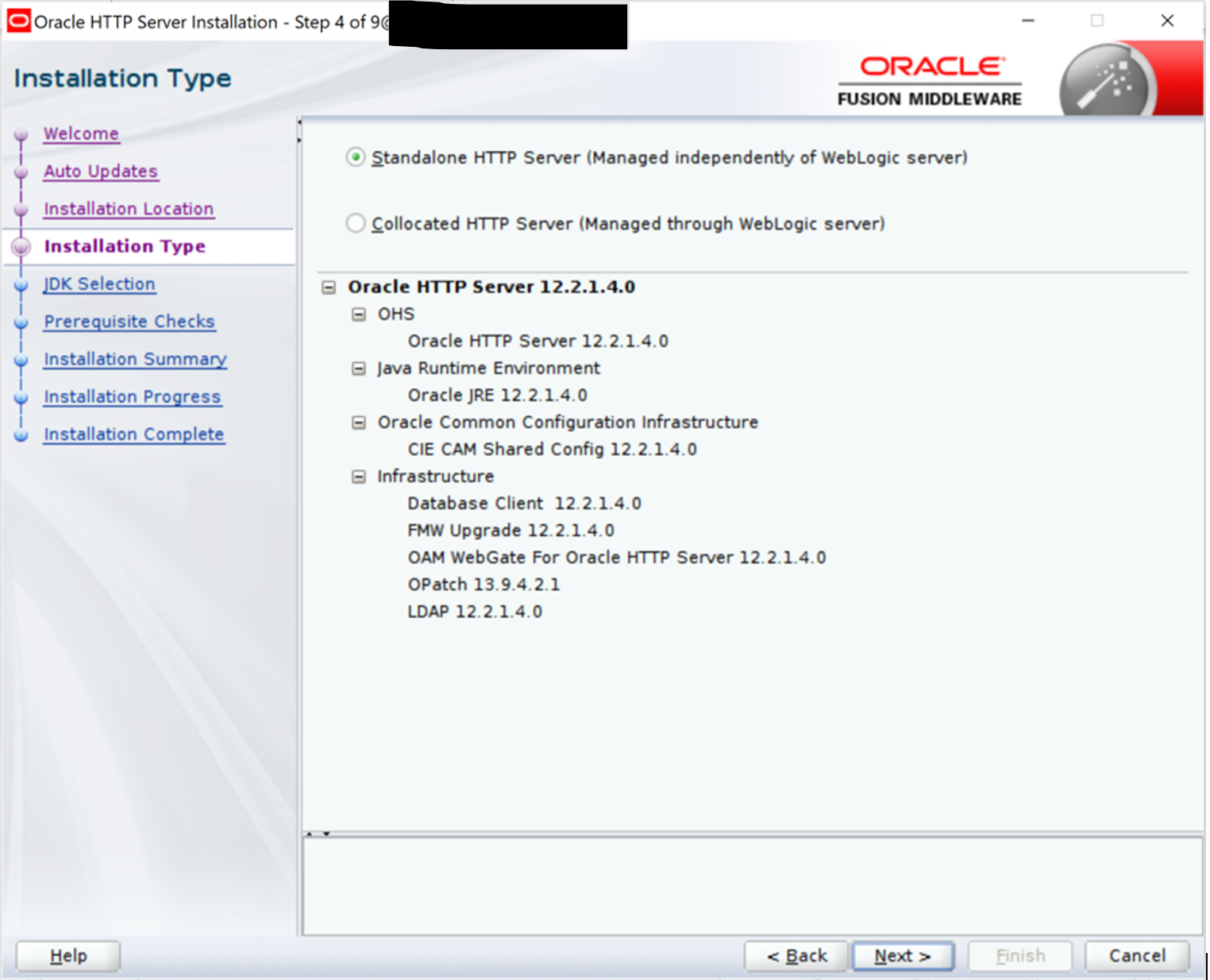
A Standalone HTTP Server is not managed by Oracle WebLogic domain or Oracle Enterprise Manager Fusion Middleware Control, rather by Oracle WebLogic Server Node Manager. It is configured without Oracle Fusion Middleware Infrastructure, unlike a Managed Oracle HTTP Server which is associated with a WebLogic domain.
Find out whether OHS is collocated or standalone –
cd $ORACLE_HOME/oui/bin
./viewInventory.sh | grep "FeatureSet: ohs"
Corresponding to a standalone domain, the following is the expected value:
FeatureSet: ohs 12.2.1.3.0FeatureSet: ohs_standalone 12.2.1.3.0
Whereas, or a collocated (managed) Oracle HTTP Server:
FeatureSet: ohs_collocated 12.2.1.3.0FeatureSet: ohs 12.2.1.3.0
As a starting point, existing Oracle HTTP Server should be at version 11.1.1.9(for 11g) or 12.1.3.0, 12.2.1.2 and 12.2.1.3(for 12c) to be upgraded to Oracle HTTP Server 12.2.1.4.
Steps to upgrade OHS from 12.2.1.3 to 12.2.1.4
The high-level steps to upgrade OHS to 12.2.1.4 are as follows –
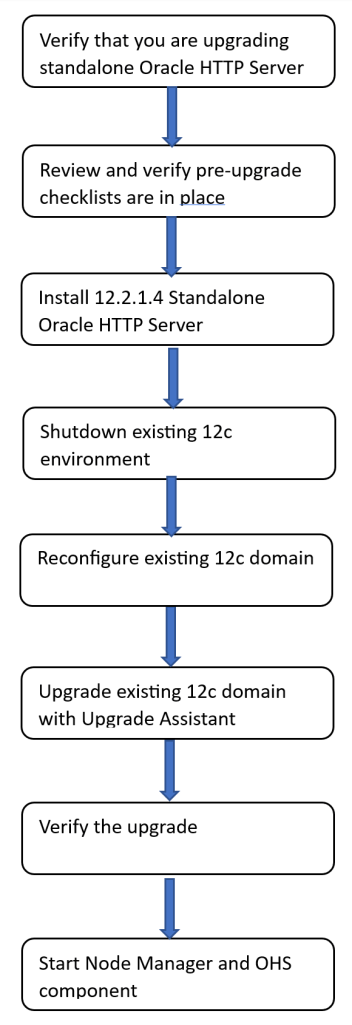
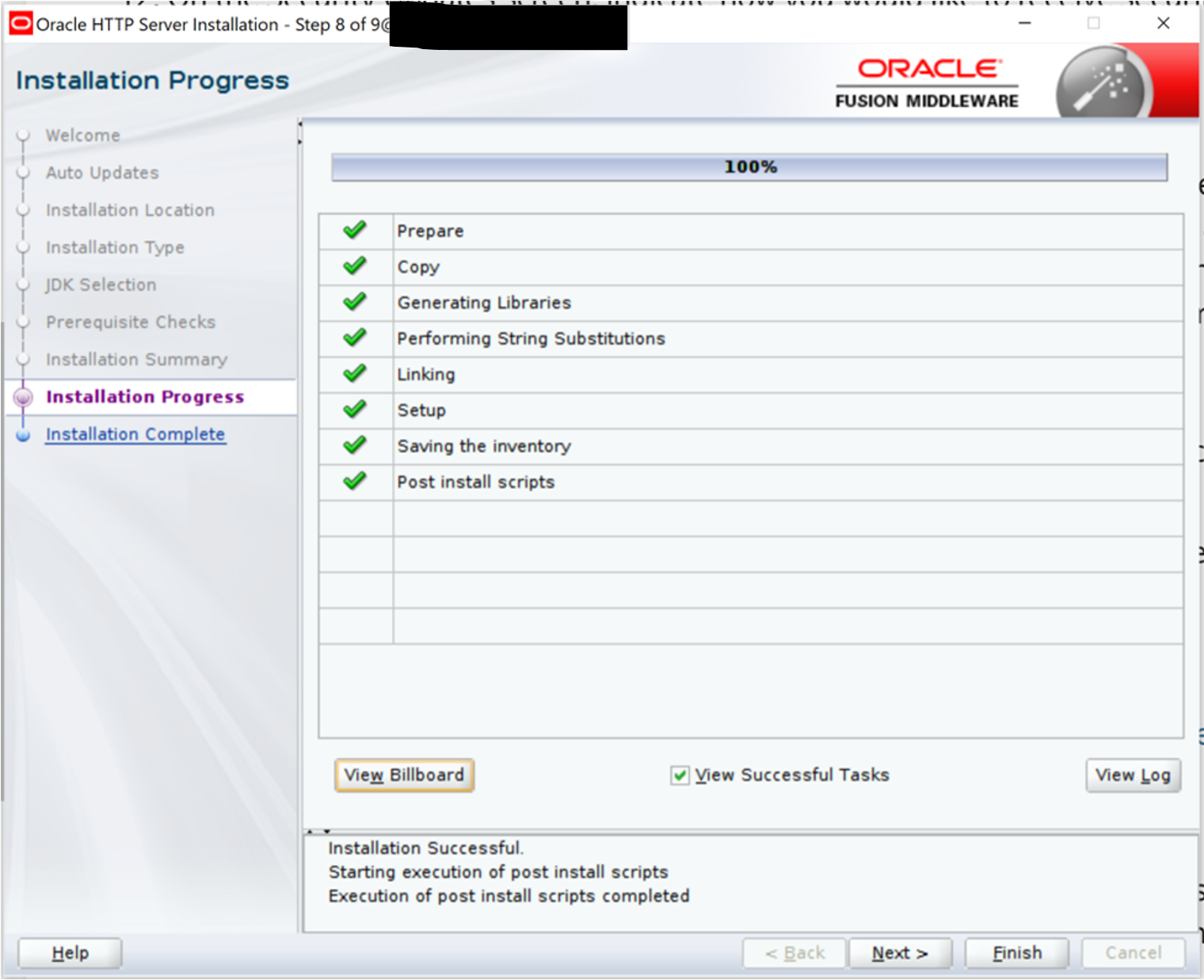
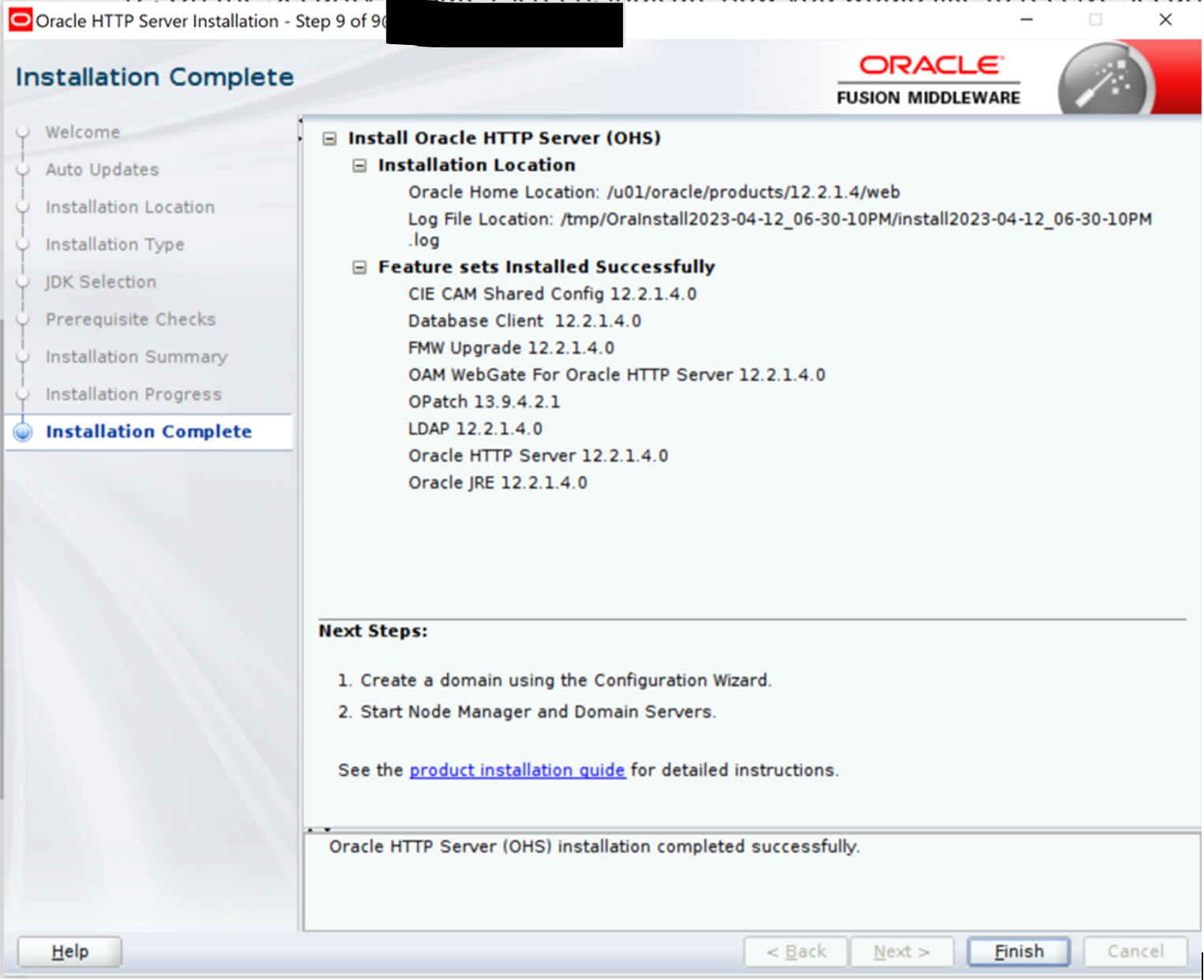
Download and install Oracle HTTP Server software(non-downtime)
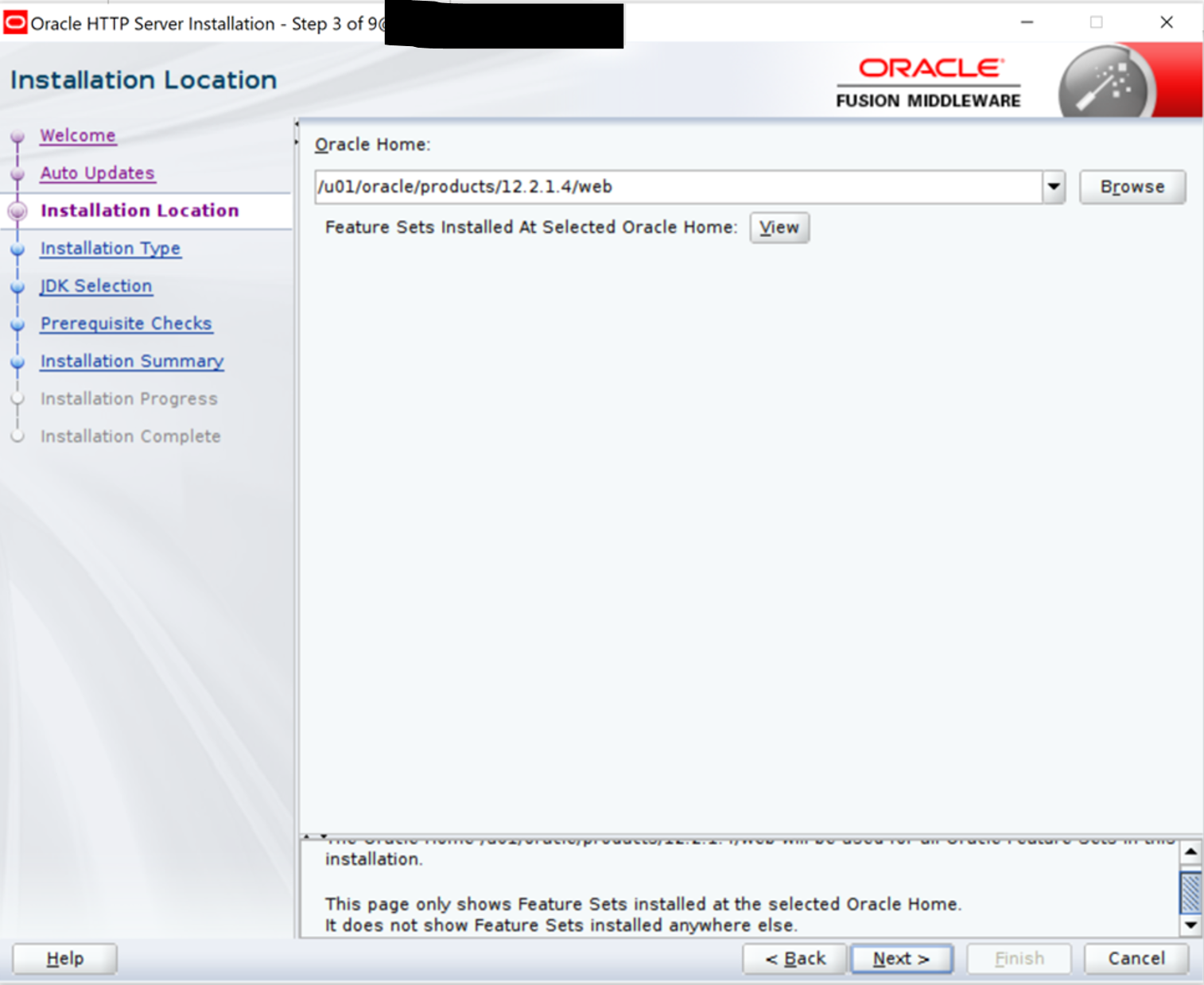
Navigate to the directory where 12.2.1.4 OHS software is staged. The new 12c Oracle Home will be different from existing 12c Oracle Home location.
cd /u01/oracle/stage/ohs12.2.1.4/
./fmw_12.2.1.4.0_ohs_linux64.bin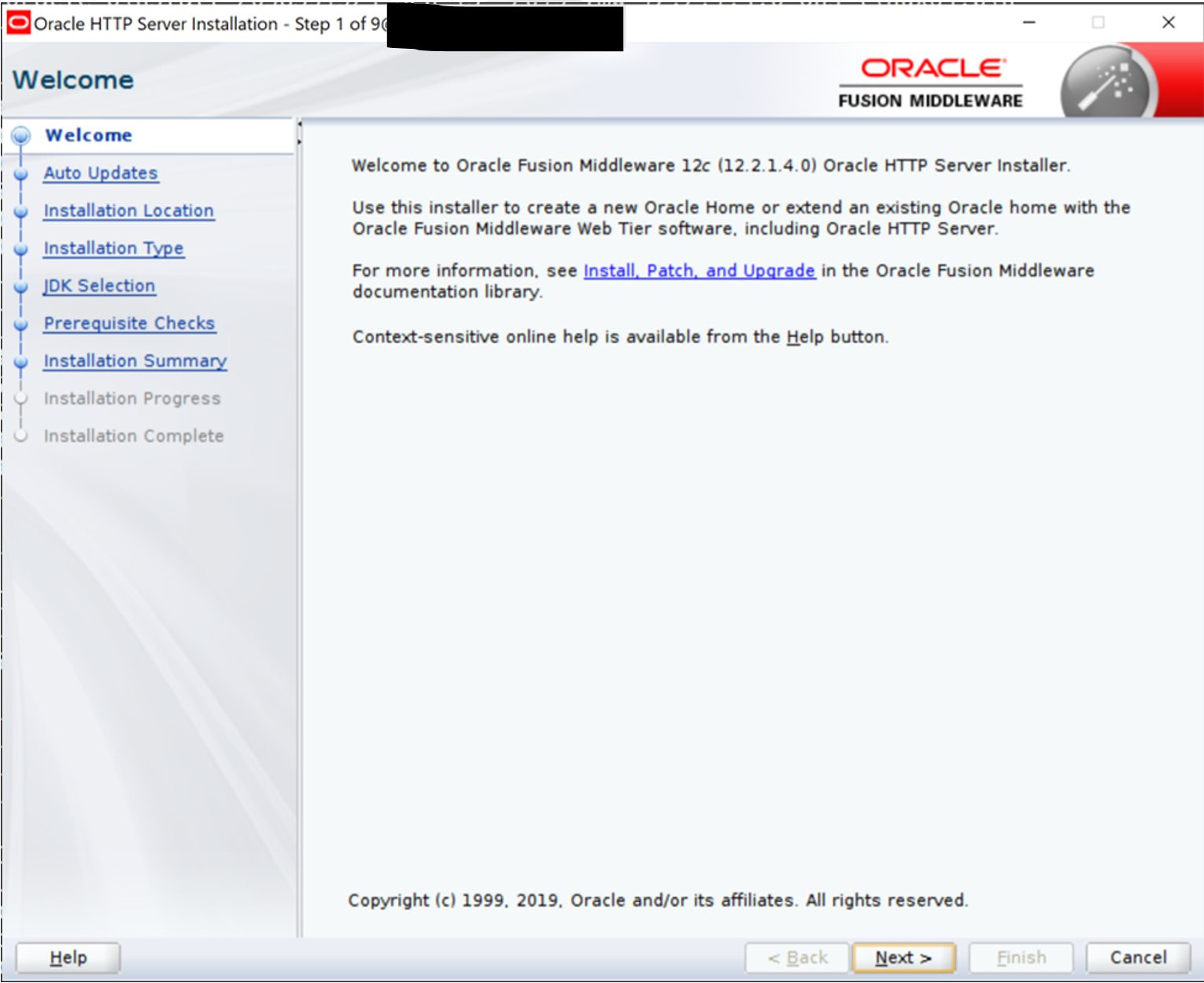
—
—
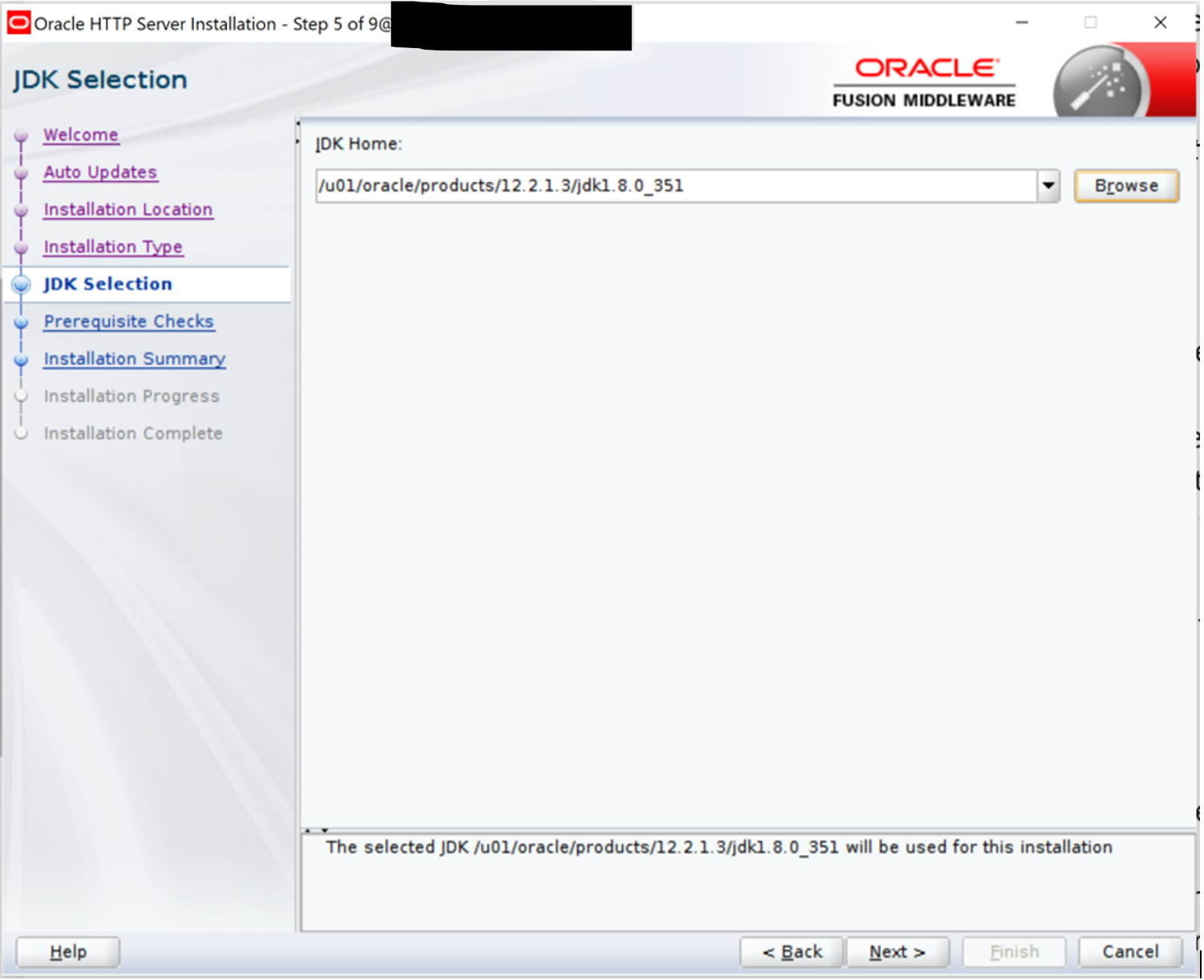
On the next screen, choose the full path of JDK installation. Refer Oracle Fusion Middleware Supported System Configurations for supported JDK with 12.2.1.4 release of Oracle Fusion Middleware.
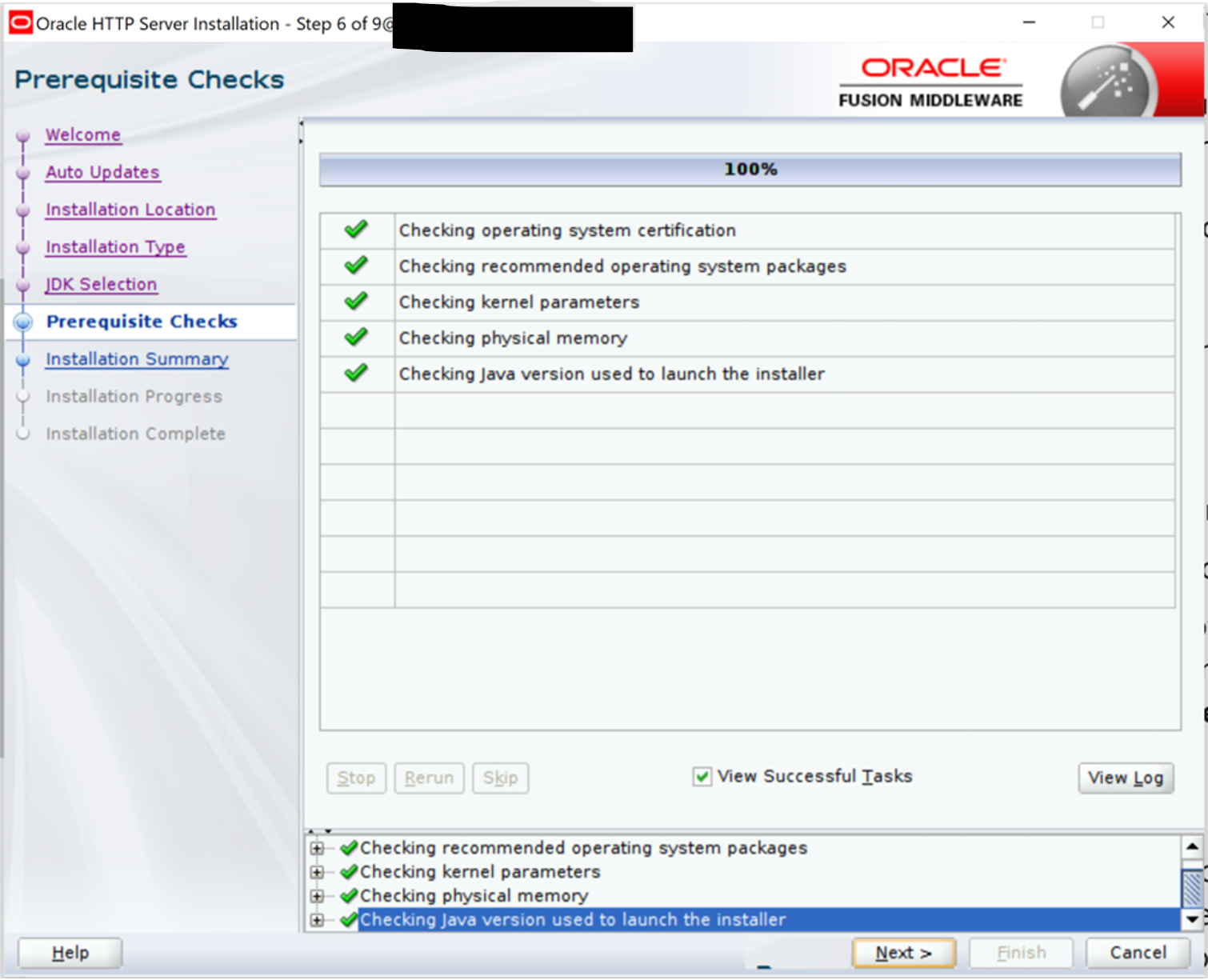
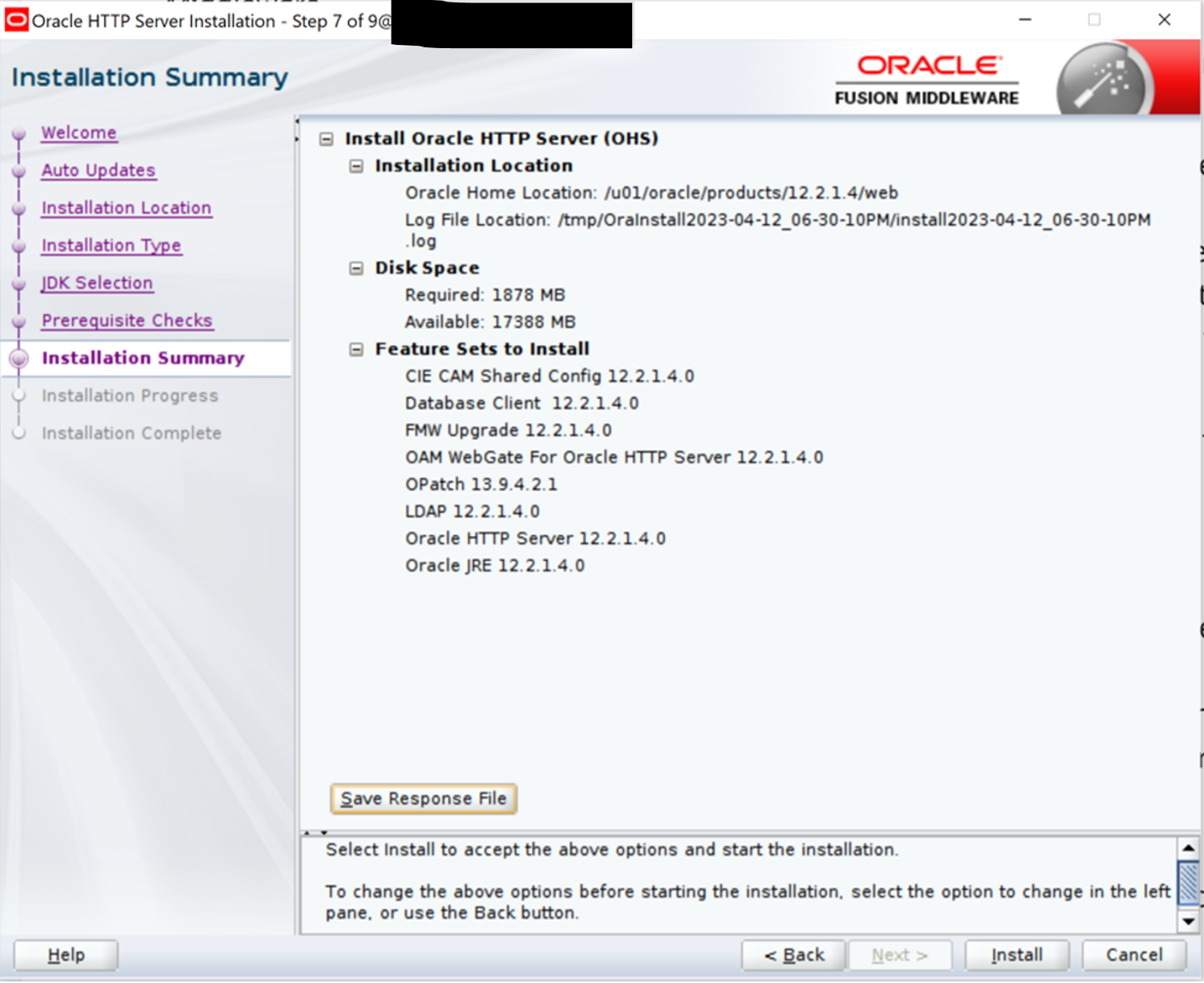
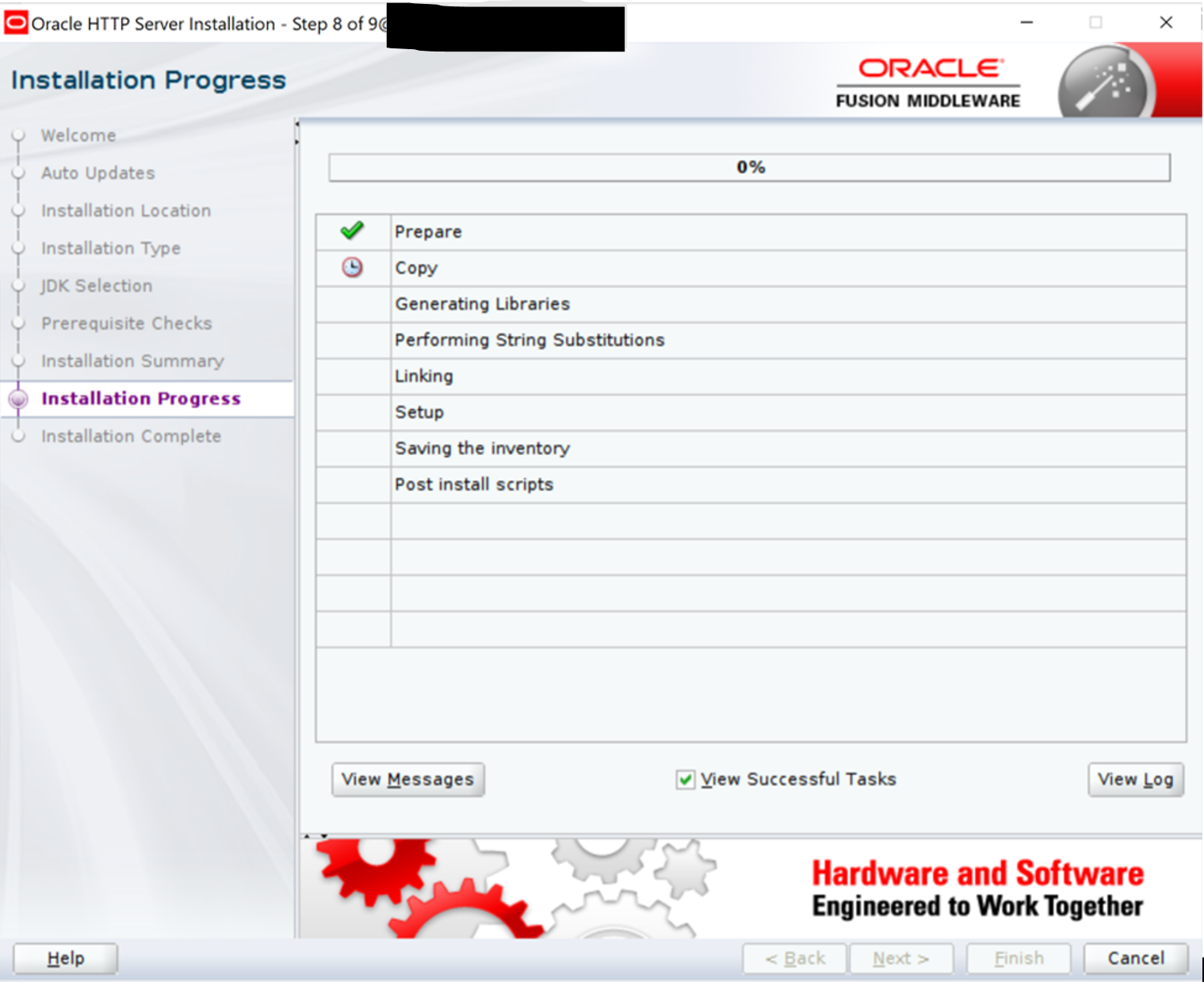
Click Next.
—
—
—
—
—
Shutdown all processes of existing 12c environment
Before proceeding with re-configuration of the standalone domain, shutdown system component and Node Manager of OHS 12.2.1.3.
cd $EXISTING_DOMAIN_HOME/bin
./stopComponent.sh ohs1

nohup ./stopNodeManager.sh
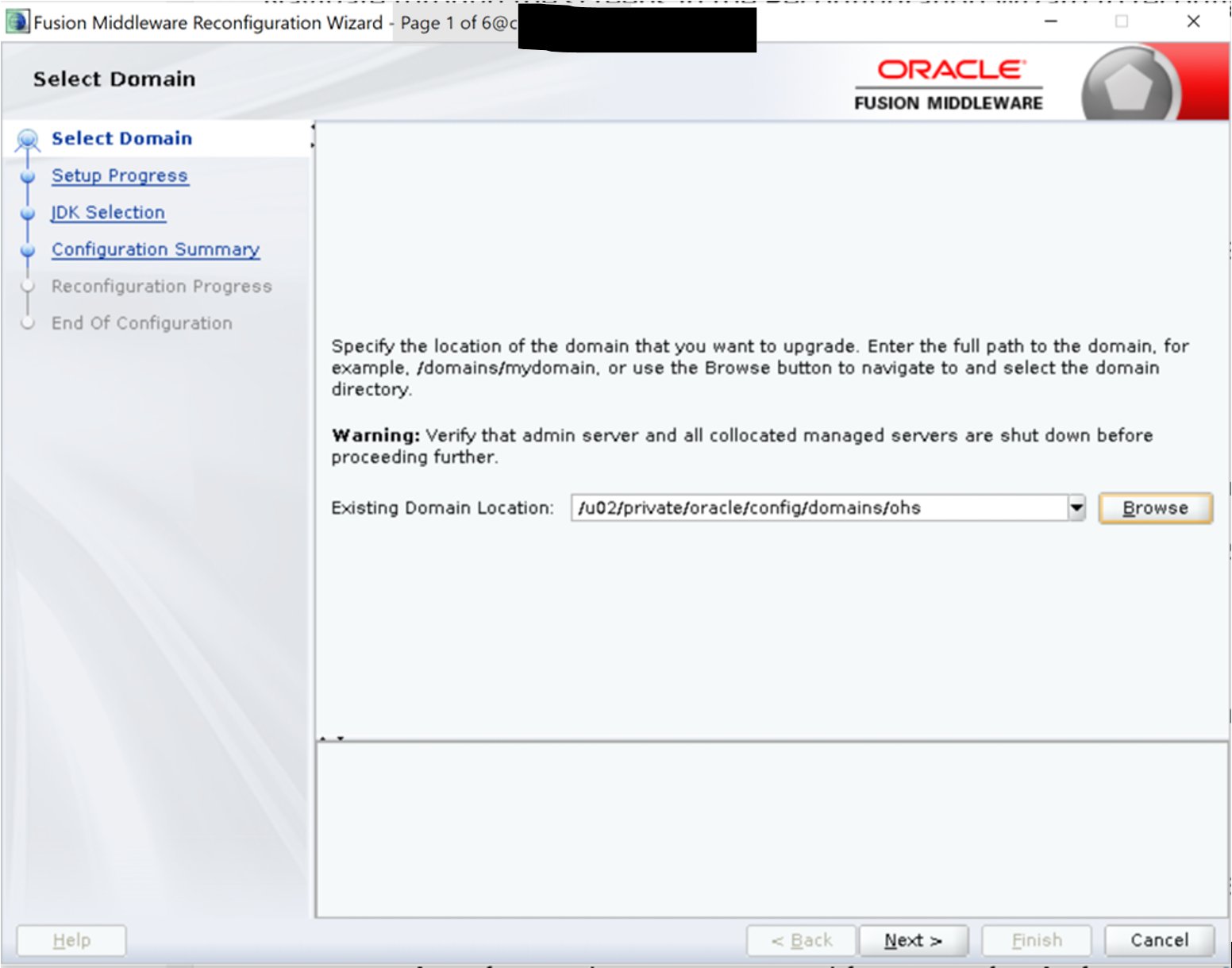
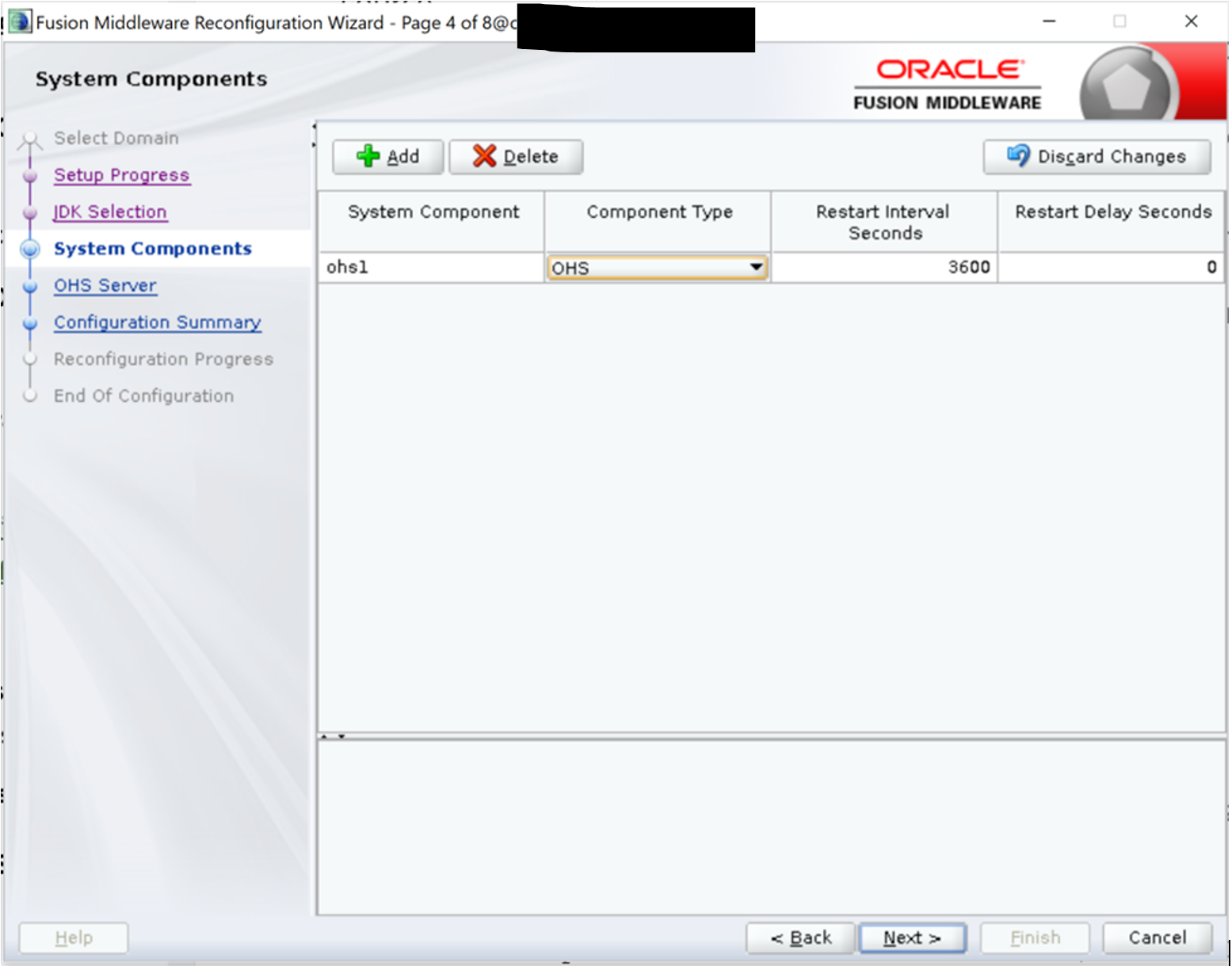
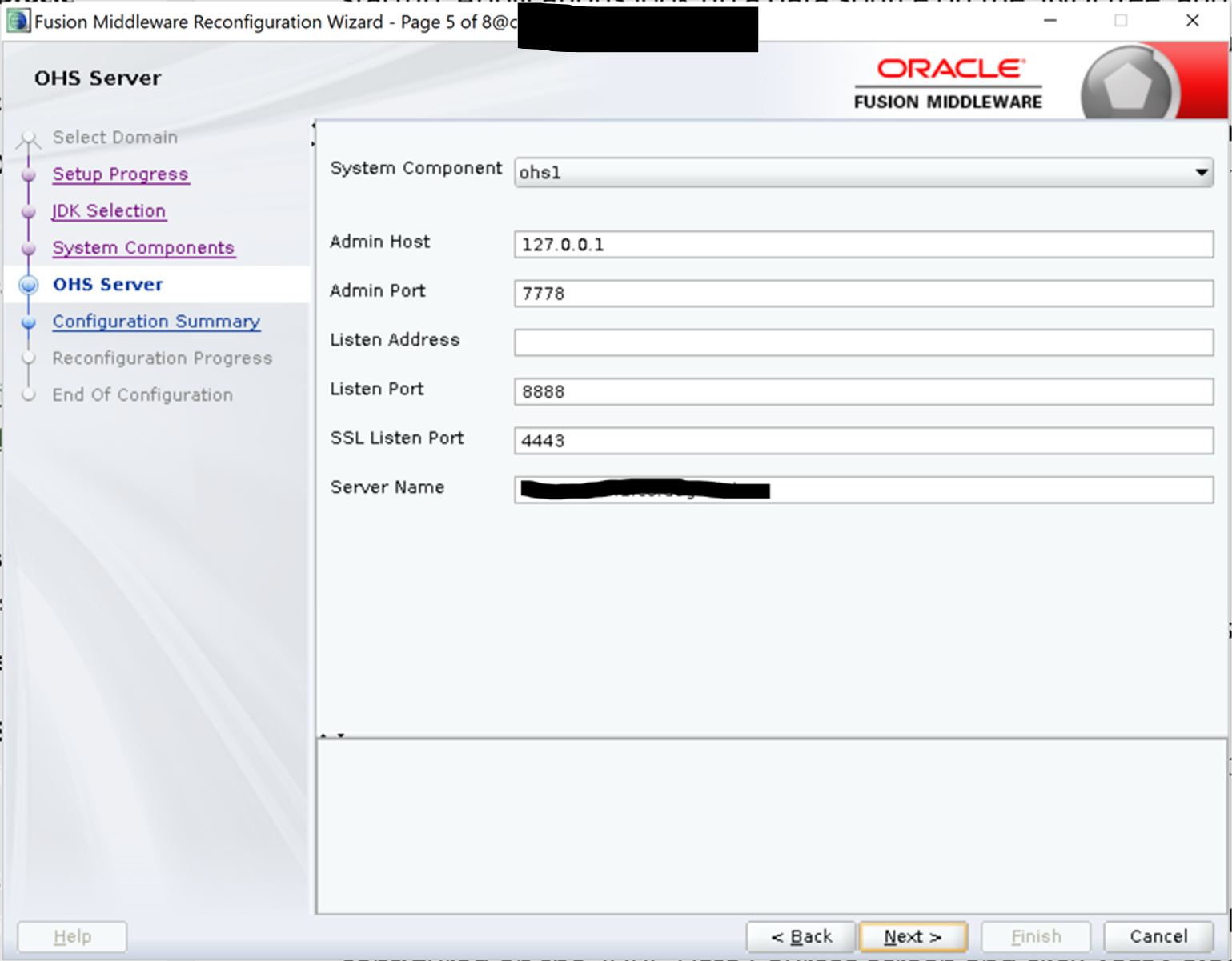
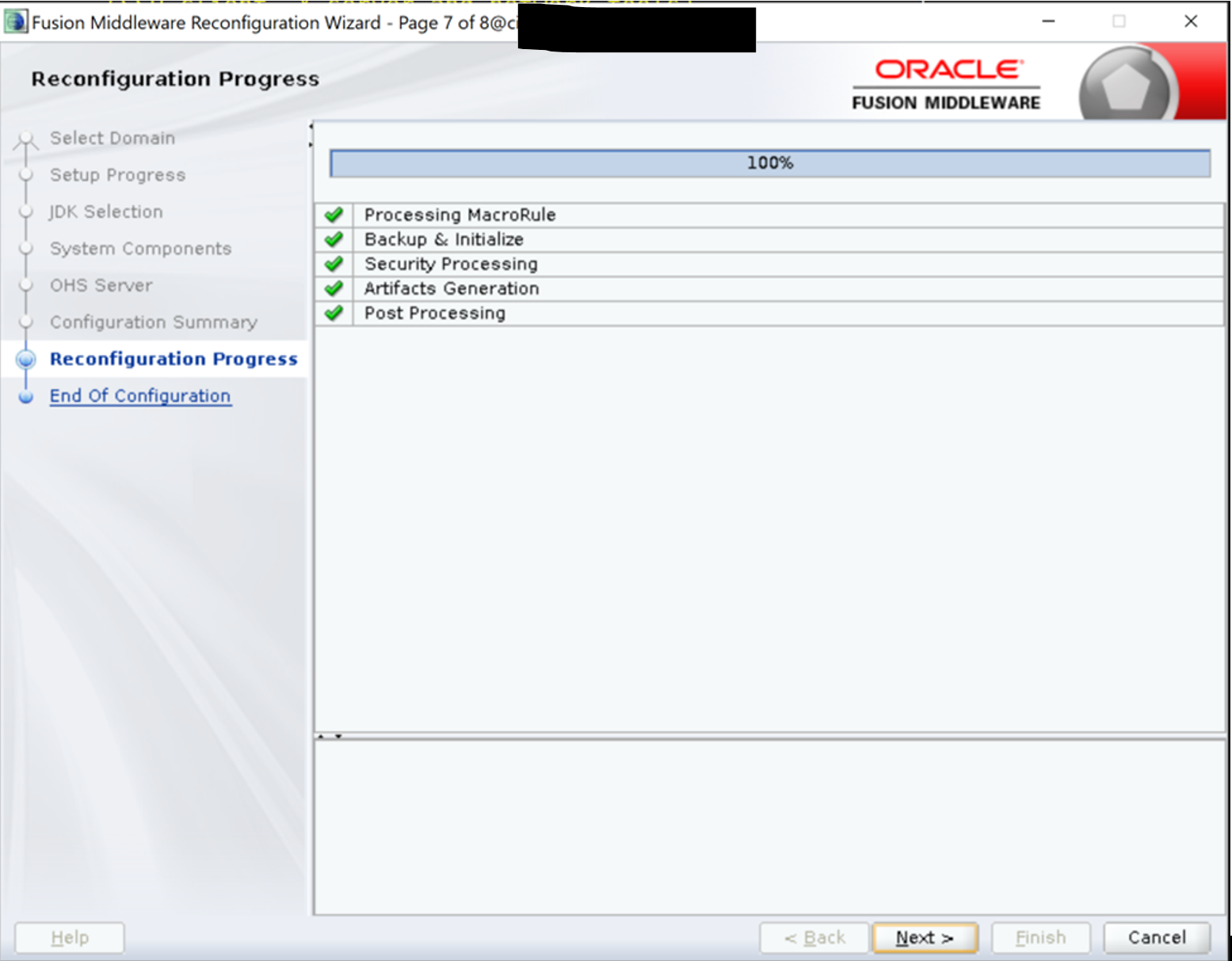
Reconfigure standalone domain from new Oracle Home
NOTE: Any customizations to the start/stop scripts will be overwritten so they must be backed up.
If any error occurs during reconfiguration, retore the domain from the backup of the existing one to the original domain directory.
cd /u01/oracle/products/12.2.1.4/web/oracle_common/common/bin
./reconfig.sh -log=ohs12214_reconfg.log -log_priority=ALL
The parameter -log_priority=ALL ensures that logs are captured in fine mode.
—
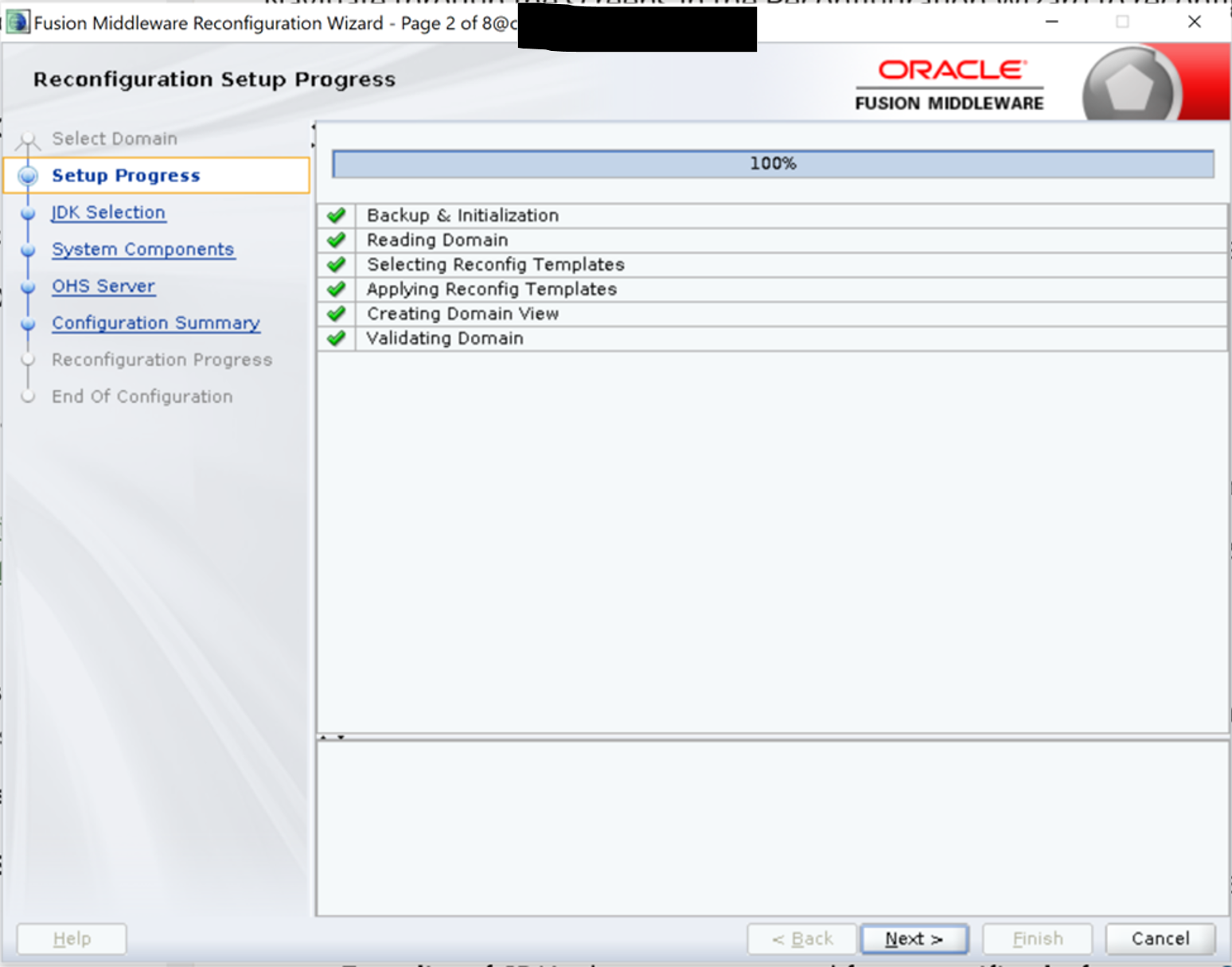
Choose full path of JDK in the next screen. Then click Next.
—
—

—
—
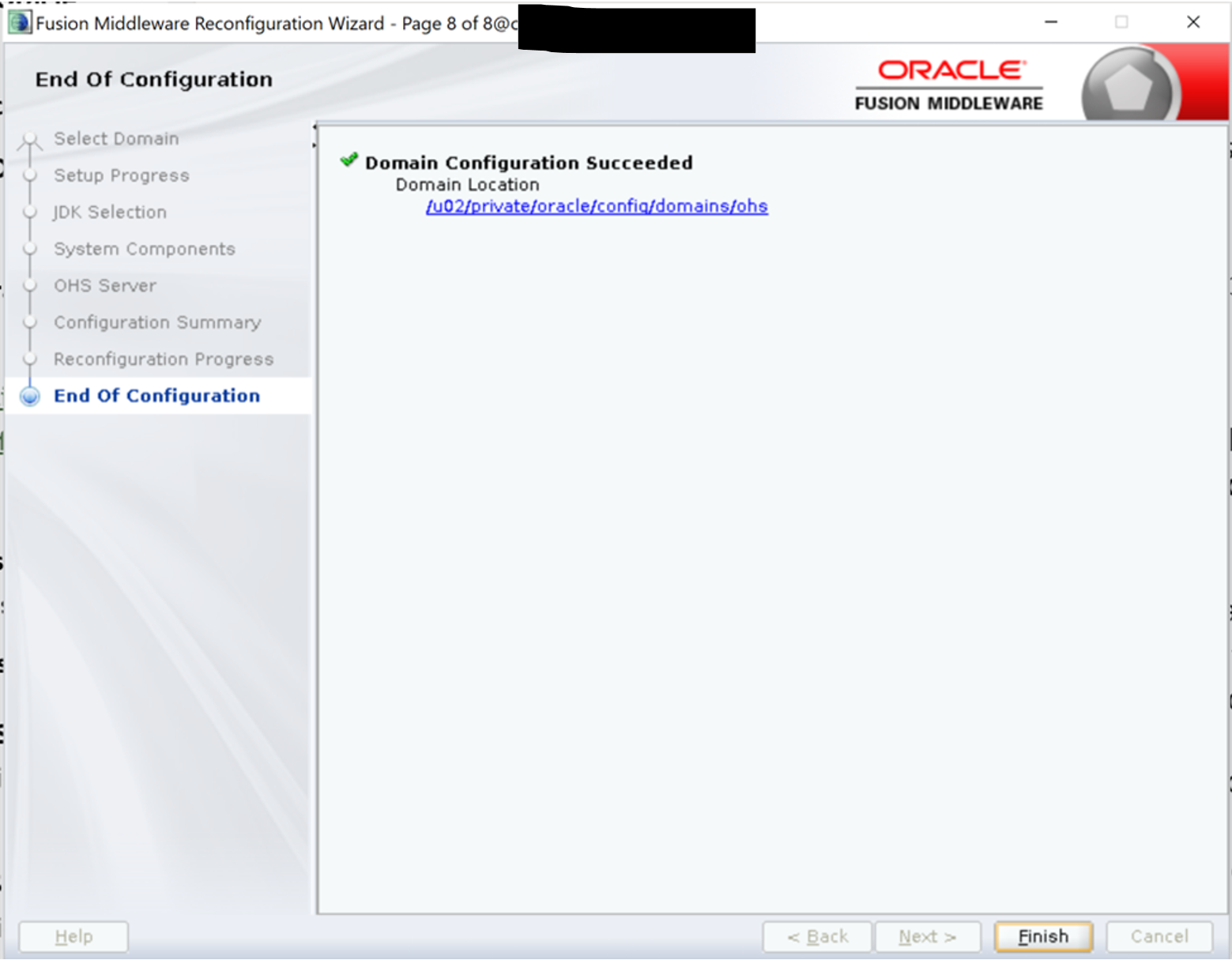
Upgrading the existing 12c domain using UA and the post upgrade issues will be covered in the next blog.
References: Upgrading a Standalone Oracle HTTP Server from a previous 12c release
 AninditaK
One thought on “Upgrade Standalone Oracle HTTP Server to 12.2.1.4”